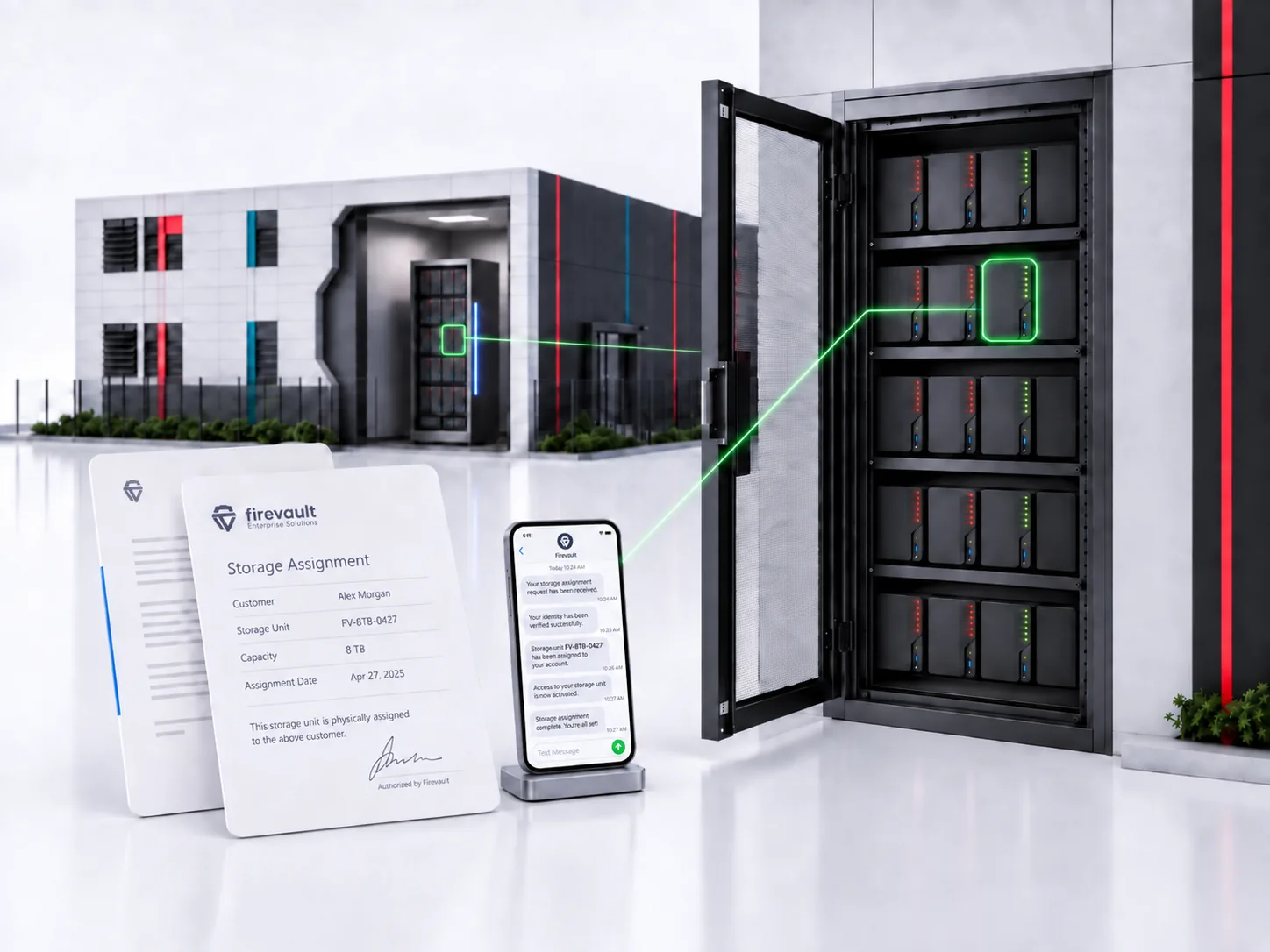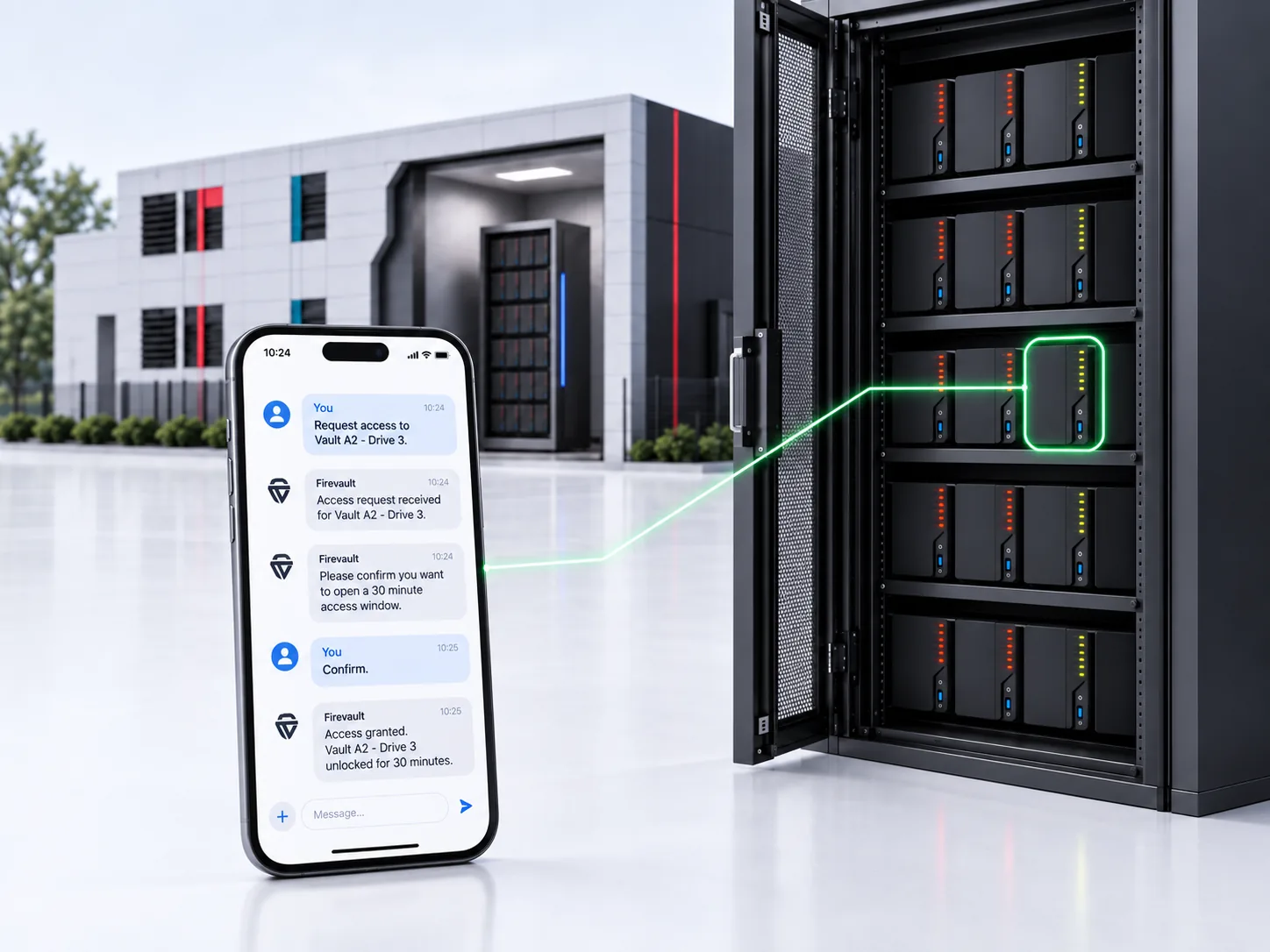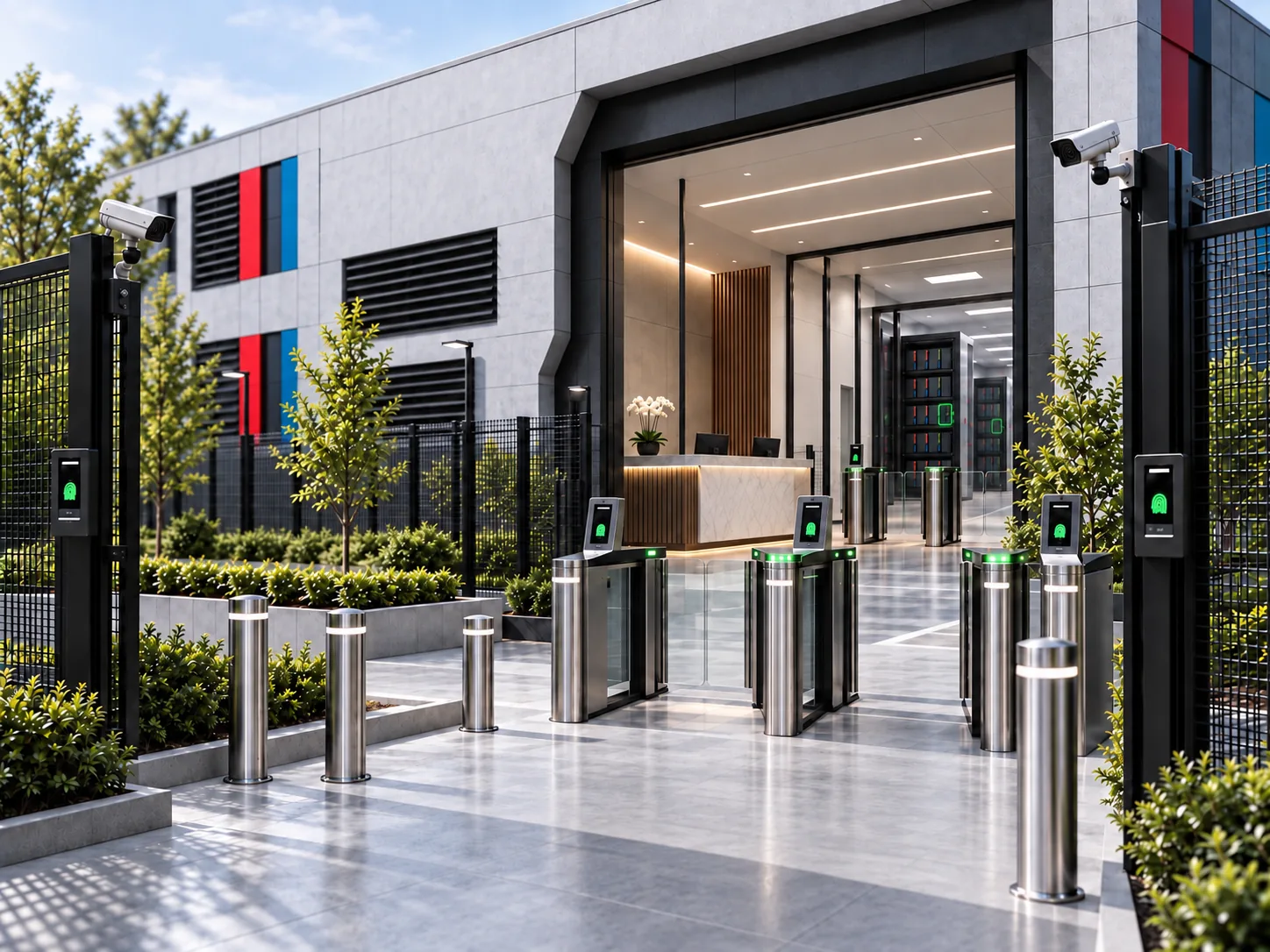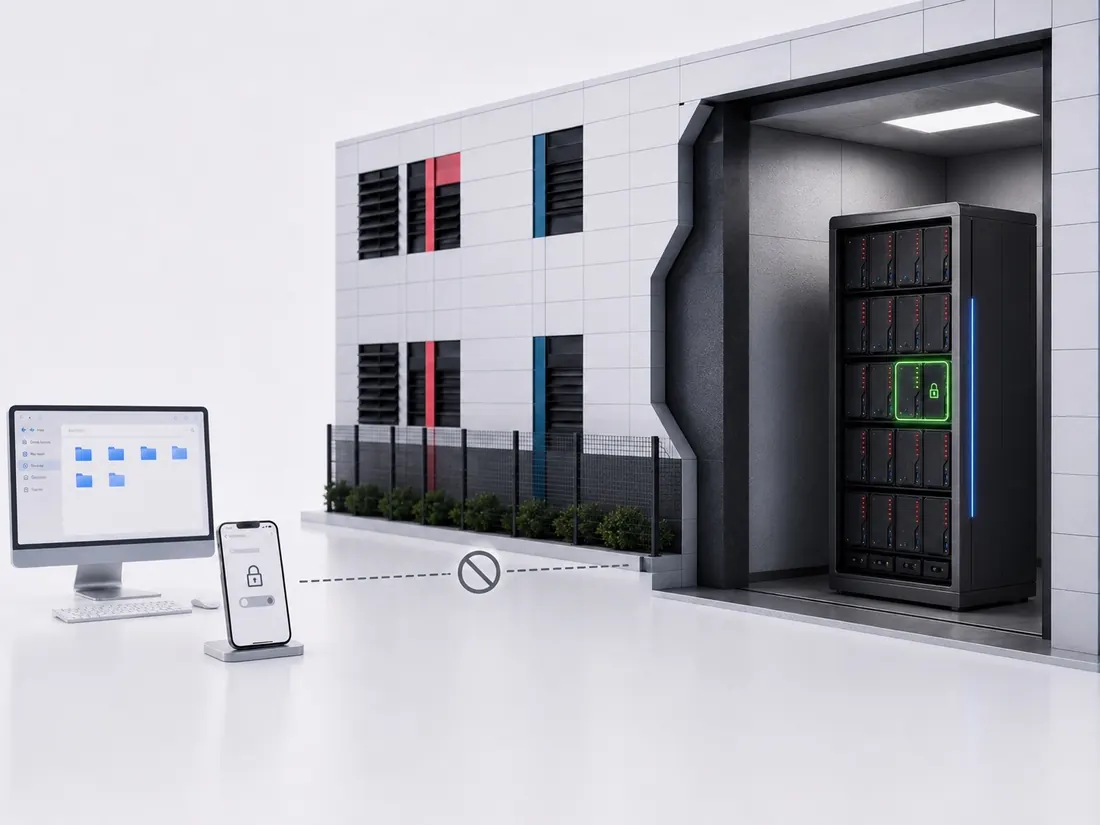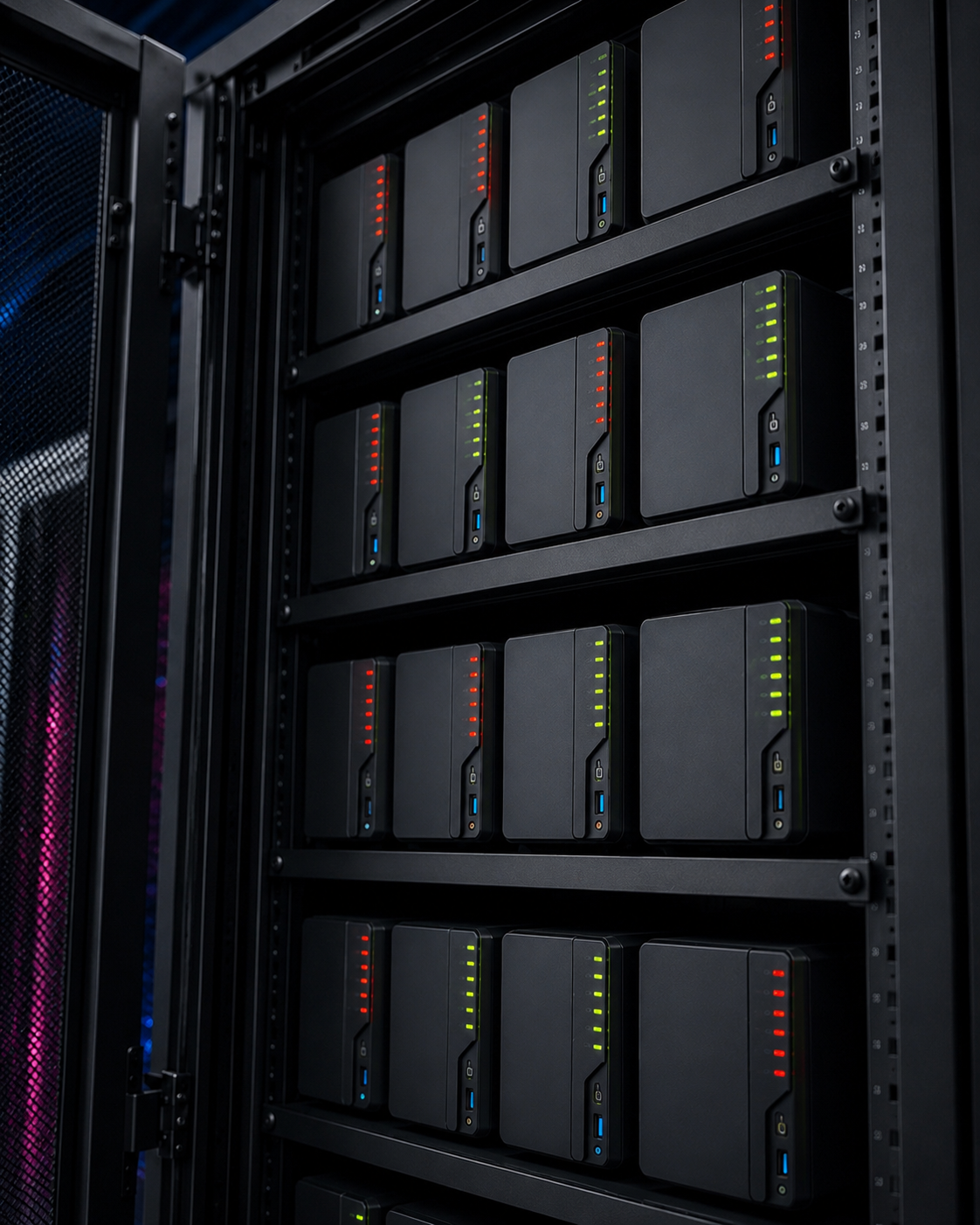
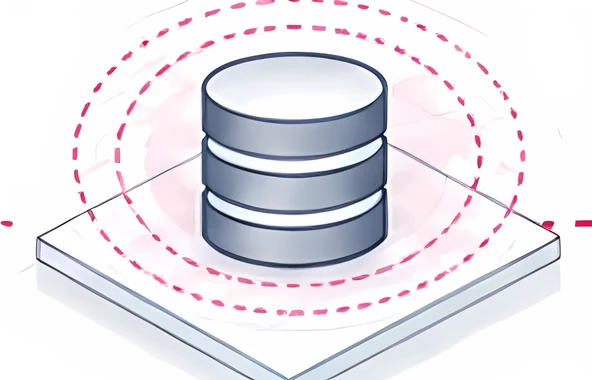
 Connected storageStill reachable. Anything that gets in can find it.
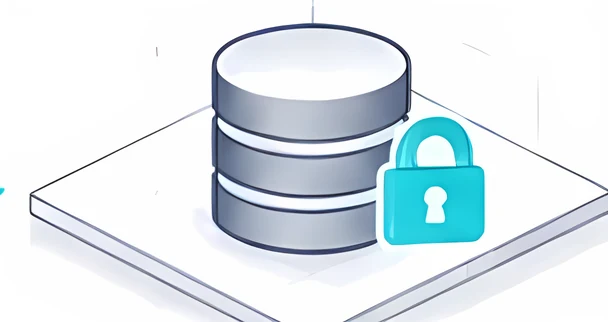 Offline Secure Storage®Physically disconnected. No standing route to it.
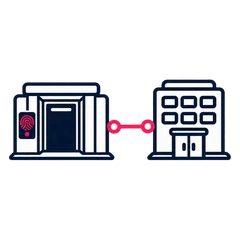 A hybrid of bothWorking set on site, gold copy in a Bunker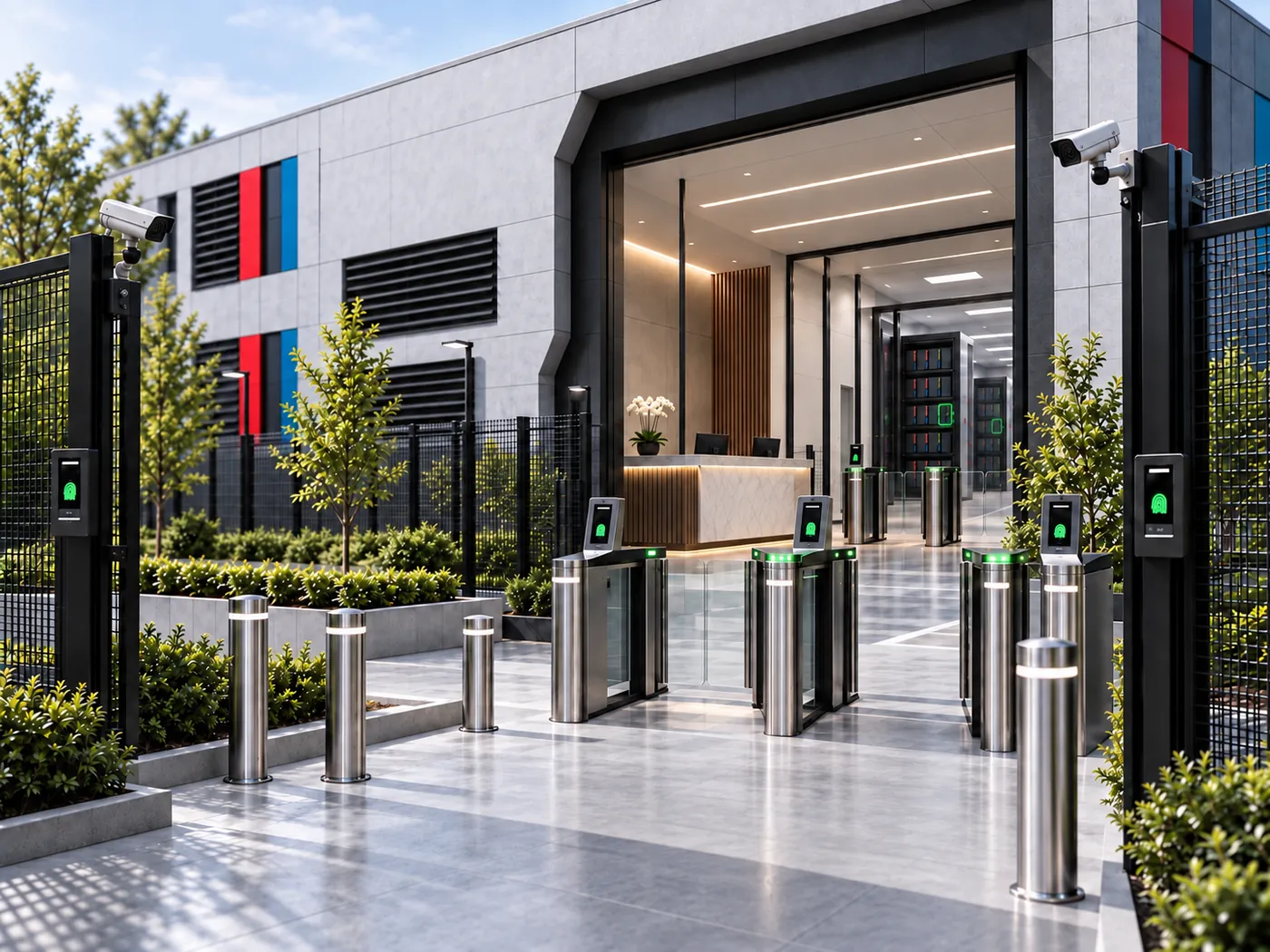
 Vault
Vault
One person, identity locked: 2TB, 4TB or 8TB.
From£360/month
inc VAT, 36-month commitment
See Vault- Up to 8TB of dedicated storage
- 24/7 on-demand access
- Ready to buy online

From 20TB to 300TB. Start with how much data needs to be offline, then define how it is written, how often it moves, and when the physical connection should exist. Authorised sessions last up to 120 minutes.
Quoted, not listed. Expansion in fixed 20TB blocks.
Cyber Essentials Plus certifiedDedicated hardware your organisation ownsFirevault Bunkers: Europe live, US and Middle East next
As featured in
'%3e%3cpath%20fill='%23E40784'%20d='M141.363%2026.6a5.905%205.905%200%200%201-5.899-5.9%205.905%205.905%200%200%201%205.899-5.895%205.901%205.901%200%200%201%205.895%205.895%205.9%205.9%200%200%201-5.895%205.9Zm0-8.347a2.448%202.448%200%200%200%200%204.895%202.449%202.449%200%200%200%202.447-2.448%202.449%202.449%200%200%200-2.447-2.447ZM141.363%200c-.821%200-1.638.052-2.447.144v3.731a16.897%2016.897%200%200%201%202.447-.177c9.373%200%2017.002%207.626%2017.002%2017.002%200%20.825-.063%201.642-.177%202.448h3.732c.095-.81.143-1.627.143-2.448%200-11.411-9.285-20.7-20.7-20.7Z'/%3e%3cpath%20fill='%23E40784'%20d='M141.363%207.268c-.825%200-1.645.077-2.447.228v3.787a9.733%209.733%200%200%201%202.447-.313c5.369%200%209.734%204.368%209.734%209.734%200%20.832-.107%201.652-.313%202.447h3.783c.151-.802.228-1.623.228-2.447.004-7.412-6.024-13.436-13.432-13.436Z'/%3e%3cpath%20fill='%230F1729'%20d='M71.382%207.537h-2.84a5.82%205.82%200%200%200-5.815%205.818v9.785h4.037v-9.789a1.78%201.78%200%200%201%201.777-1.777h2.841V7.537ZM80.539%2019.1a3.787%203.787%200%200%201-3.783-3.784%203.787%203.787%200%200%201%203.783-3.783%203.787%203.787%200%200%201%203.783%203.784%203.787%203.787%200%200%201-3.783%203.783Zm0-11.6c-4.313%200-7.82%203.507-7.82%207.82%200%204.313%203.507%207.82%207.82%207.82%201.372%200%202.66-.357%203.78-.982v.982h4.036V15.32c.004-4.313-3.503-7.82-7.816-7.82ZM41.806%2018.71a5.512%205.512%200%200%201-4.34%202.1%205.55%205.55%200%200%201-5.541-5.541%205.55%205.55%200%200%201%205.542-5.543c1.696%200%203.279.766%204.339%202.102l.088.114%201.656-1.656-.077-.092a7.865%207.865%200%200%200-6.01-2.797c-4.339%200-7.871%203.533-7.871%207.872s3.532%207.871%207.871%207.871a7.865%207.865%200%200%200%206.01-2.797l.077-.091-1.656-1.656-.088.113ZM19.479%207.397c-4.34%200-7.872%203.53-7.872%207.872%200%204.342%203.533%207.871%207.872%207.871a7.883%207.883%200%200%200%207.205-4.71l.081-.18H24.15l-.037.058a5.543%205.543%200%200%201-10.05-1.873h13.2l.015-.11c.048-.357.073-.714.073-1.053%200-4.346-3.529-7.875-7.871-7.875Zm-5.417%206.705a5.54%205.54%200%200%201%205.417-4.376%205.54%205.54%200%200%201%205.417%204.376H14.06ZM46.192%2023.14h2.33v-8.847a4.599%204.599%200%200%201%204.593-4.592%204.599%204.599%200%200%201%204.592%204.592v8.844h2.33v-9.149h-.008a6.887%206.887%200%200%200-2.082-4.648%206.89%206.89%200%200%200-4.832-1.972%206.863%206.863%200%200%200-4.593%201.751V.545h-2.33V23.14ZM2.686%207.393H0v2.33h2.686v8.471a4.944%204.944%200%200%200%204.94%204.939h2.435v-2.33H7.625a2.613%202.613%200%200%201-2.609-2.612V9.726h3.772v-2.33H5.016V1.84h-2.33v5.553ZM101.968%208.457a7.721%207.721%200%200%200-2.547-.858c-.088-.014-.177-.03-.265-.04-.1-.011-.199-.022-.302-.03a9.993%209.993%200%200%200-.574-.029c-.022%200-.04-.004-.062-.004h-.037c-4.313%200-7.82%203.507-7.82%207.82%200%204.313%203.507%207.82%207.82%207.82h.037c.25%200%20.496-.014.743-.04l.037-.003a7.742%207.742%200%200%200%203.003-.939v.979h4.037L106.005.537h-4.037v7.92Zm0%206.863a3.788%203.788%200%200%201-3.769%203.78%203.786%203.786%200%200%201-3.76-3.78c0-2.08%201.688-3.772%203.764-3.78a3.787%203.787%200%200%201%203.765%203.78ZM119.75%2023.11h4.037V15.299c-.011-4.302-3.515-7.798-7.82-7.798-4.313%200-7.821%203.507-7.821%207.82%200%204.313%203.508%207.82%207.821%207.82%201.372%200%202.66-.357%203.783-.982v.953Zm-3.783-4.01a3.786%203.786%200%200%201-3.783-3.784%203.786%203.786%200%200%201%203.783-3.783%203.79%203.79%200%200%201%203.783%203.78v.003a3.787%203.787%200%200%201-3.783%203.784ZM132.273%207.5a5.824%205.824%200%200%200-5.818%205.818v9.822h4.037v-9.822a1.78%201.78%200%200%201%201.777-1.777h2.841V7.5h-2.837ZM173.736%2020.807a5.534%205.534%200%200%201-5.527-5.527%205.534%205.534%200%200%201%205.527-5.528%205.535%205.535%200%200%201%205.528%205.528%205.535%205.535%200%200%201-5.528%205.527Zm0-13.399a7.852%207.852%200%200%200-5.527%202.274V7.393h-2.344V30h2.344v-9.127a7.836%207.836%200%200%200%205.527%202.275c4.339%200%207.872-3.533%207.872-7.872s-3.533-7.868-7.872-7.868ZM186.735%2023.14h-2.385v-9.81a5.84%205.84%200%200%201%205.833-5.834h2.848v2.385h-2.848a3.45%203.45%200%200%200-3.448%203.448v9.811ZM202.813%209.774a5.535%205.535%200%200%200-5.528%205.528%205.535%205.535%200%200%200%205.528%205.527%205.534%205.534%200%200%200%205.527-5.527%205.534%205.534%200%200%200-5.527-5.528Zm0%2013.4c-4.339%200-7.872-3.533-7.872-7.872%200-4.34%203.533-7.872%207.872-7.872s7.872%203.53%207.872%207.872c0%204.339-3.533%207.871-7.872%207.871Z'/%3e%3c/g%3e%3cdefs%3e%3cclipPath%20id='a'%3e%3cpath%20fill='%230F1729'%20d='M0%200h210.68v30H0z'/%3e%3c/clipPath%3e%3c/defs%3e%3c/svg%3e)




 StorageDedicated hardware your organisation owns
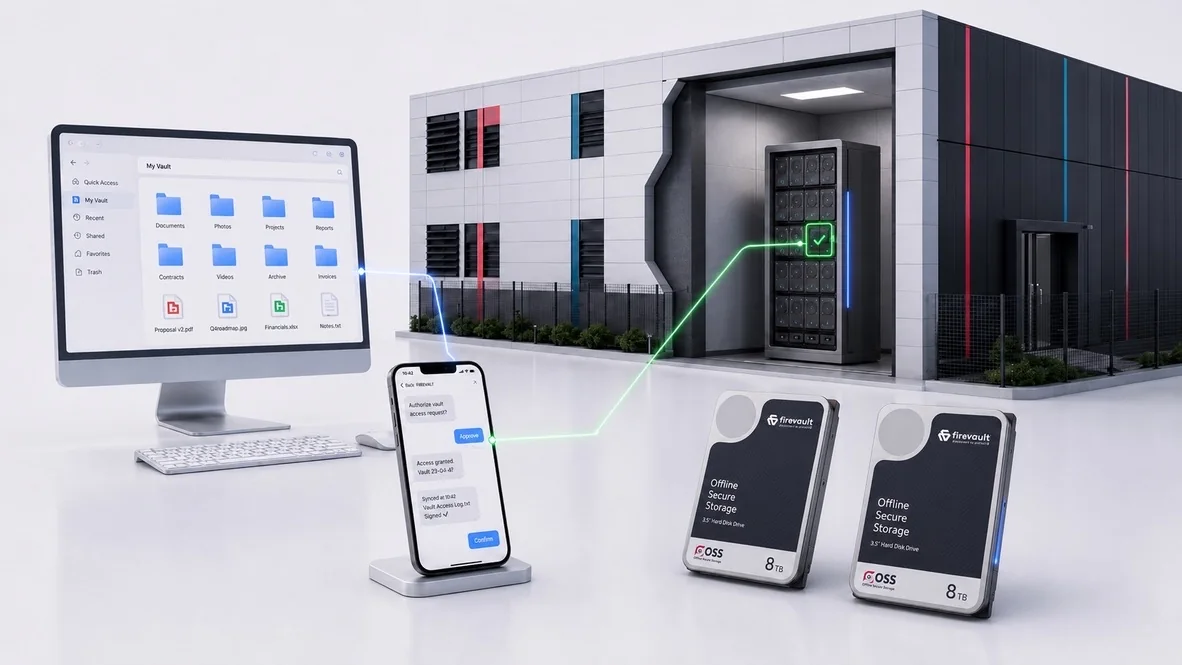
Outside authorised windows, Storage is physically disconnected.
Illustration
When connected systems are encrypted, deleted or leaked, the copy you recover from needs to be one the attack could not reach.
UK organisations hit in 2025
Capacity
Not every byte in the estate needs Offline Secure Storage®. The first design decision is the size of the protected data set today, and how it will change.
How much needs protecting now?
How quickly will it grow?
How much history must you retain?
What margin do you want?
Working protected data set
20 TB
1 block of 20TB
A design input, not a quote. Above 300TB, see Enterprise.
Transfers
Scheduled sync, SFTP, a REST API, your existing backup workflow, or a mix. The write path is set by the systems already producing the data.
An SFTP endpoint and REST scheduling API fit the backup estate you already run, with delegated access and every connection, disconnection and transfer recorded.
Choose the way data needs to enter
Access windows
Initial ingest, change rate, frequency and concurrency shape the design: the same 100TB can look very different depending on how often it is written.
The default state is physically disconnected. Each window has a trigger, a duration, a completion check and a disconnect.
Four questions about behaviour
Where it lives
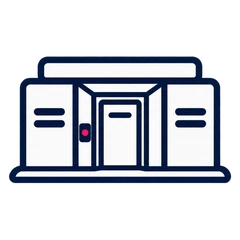
Your hardware is racked in a protected physical location, and Firevault handles the facility, power and physical disconnection.

The same hardware and the same physical disconnection, racked inside your own building. Or keep the working set on site and the gold copy in a Bunker, so a single site loss does not remove the archive.
Three places it can live
Pricing model
Storage is quoted, not fixed, because the build is specified around your estate. The model is published, so you can see how the number is made.
Vault
One person, identity locked: 2TB, 4TB or 8TB.
From£360/month
inc VAT, 36-month commitment
See VaultStorage
The organisation: 20TB to 300TB.
Quoted
A written proposal against the specified system
Speak to our solutions team Enterprise
National scale: 300TB and beyond.
Quoted
Delivered as a programme
See EnterpriseStorage is priced in a written proposal against the specified system. See the full pricing model
| Vault |
StorageThis page |
Enterprise |
 LUV LUV |
|
|---|---|---|---|---|
| Best for | Businesses and professionals | Regulated and data-heavy organisations | CNI, defence, government and large enterprises | Personal records, occasional access |
| Capacity | 2TB, 4TB or 8TB | 20TB to 300TB, in 20TB steps | 300TB and above | 300GB |
| Access | On demand, 24/7 | Scheduled, on demand or event-triggered windows | On demand, 24/7, under your access policy | One 12-hour window a week, on a day you nominate |
| Sessions | Up to 120 minutes | Set by the job | Set by your policy | Up to 120 minutes |
| Hardware | Dedicated physical drives, RAID 1 mirrored | Dedicated, owned by your organisation | Dedicated, owned by your organisation | Data physically isolated on a shared instance |
| Where it lives | Firevault Bunker | Bunker, on premises or hybrid | Your facilities, a Bunker or both | Firevault Bunker |
| Price | From £360 a month inc VAT | Quoted | Quoted | £74.99 a month inc VAT |
| File Share | Included | By configuration | Included | Included |
| Vault Buddy | Included | Available | Available | Included |
| Vault Spare | Included | Design-dependent | Design-dependent | Not standard |
| SFTP and REST API | Not standard | Included | Included | Not standard |
| Scheduled transfers | Not standard | Included | Included | Not standard |
| How to buy | Online | Designed with our solutions team | Specified as a programme | Online |
Physics, not promises
Storage is built on four physical principles, from 20TB to 300TB. Enterprise continues at 300TB and above.

Dedicated drives, RAID 1 mirrored, allocated in 20TB blocks. Not cloud buckets, shared pools or multi-tenant infrastructure.
Learn more
Dedicated hardware your organisation owns, with a defined lifecycle: commissioning, maintenance, renewal, then return or destruction to certificate.
Learn more
No standing network path. A route exists only for an authorised window, then the hardware disconnects.
Learn more
In a Firevault Bunker, behind three independent entry checks and 24/7 monitoring, on your own premises, or both.
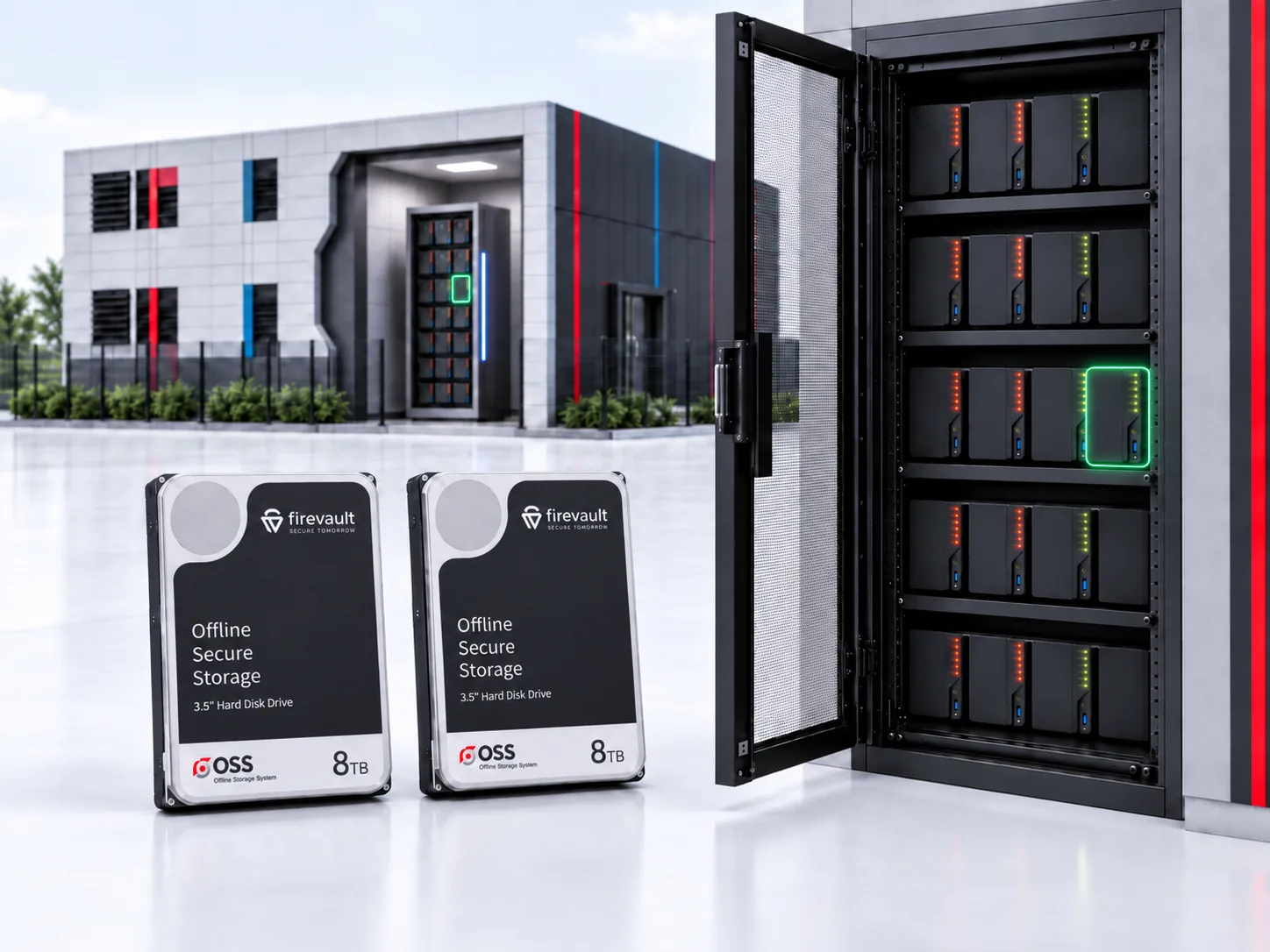
Learn morePhysical storage: real drives
Compare
How physical disconnection differs from cloud and on-premises copies.
| Question | Cloud backup or archive | On-premises copy | Offline Secure Storage® |
|---|---|---|---|
| Reachable from the production network? | Yes, over the internet | Yes, over the LAN | No. Physically disconnected at the hardware level when closed |
| Survives a domain-wide compromise? | Only if credentials hold | Rarely | No standing network path to reach while it is disconnected |
| Who holds the hardware? | The provider | You, with your own upkeep | Dedicated hardware assigned to you, in a Firevault Bunker |
| Evidence for auditors and insurers? | Configuration screenshots | Configuration screenshots | A physical control, plus a logged record of every session |
Who it is for
Storage is the organisation tier of Offline Secure Storage®.
Capacity continues in 20TB blocks with no upper limit, no migration and no new platform. Beyond 300TB it is designed with our team as Enterprise, with multi-site and on-premise options.
How it is designed
Bring the data numbers. We will design the Storage around them.
A short conversation about the data you hold, the growth you expect and the obligations you carry.
We size the allocation to the volume you actually need, then set the expansion path in fixed 20TB blocks.
API, SFTP and session controls mapped to your teams and systems, so governed access fits how you already work.
Bunker, on premises or hybrid, with commissioning, support and a written proposal priced to the specified system.
Specifications
Questions
Start with the working protected data set: what needs protecting now, how quickly it grows, how much history you must retain, and the headroom you want. Storage runs from 20TB to 300TB in fixed 20TB blocks.
Yes. Data is written through scheduled sync, SFTP, a REST API or your existing backup workflow, in authorised windows.
Storage is physically disconnected by default. Access is available on demand, 24/7, or in scheduled authorised windows through SFTP, REST API and backup workflows. Each session lasts up to 120 minutes, then the physical connection closes.
Named people, each with their own identity-locked route in, holding defined rights over defined data sets. Every connection, disconnection and identity verification is recorded and exportable for SIEM ingestion.
In a Firevault Bunker, on your premises, or a hybrid of both, with the working set on site and the gold copy in a Bunker, so a single site loss does not remove the archive.
Storage is quoted against a published model with two parts: Offline Secure Access Profiles (who reaches it) and Offline Secure Storage Capacity (how much there is). You receive a written proposal.
No. Vault and LUV are ready to buy online. Storage is designed with our solutions team around your requirements.
Storage can help support GDPR, NIS2, ISO 27001 and NIST CSF obligations, with NCSC CAF outcome mapping available on request. Firevault holds Cyber Essentials Plus.
The same architecture continues in 20TB blocks, with no migration and no new platform. Beyond 300TB is designed with our team as Enterprise, with multi-site and on-premise options.
Bring the numbers: how much data, how it arrives, who needs to reach it and where it should live. We will design Storage around them.
 Mark FermorCTO, CMO & Founder
 David BaileyCo-Founder & CEOKenny PhippsSolutions Lead