Dedicated hardware
Cloud storage is a share of a pool. Offline Secure Storage® is not. Named, serial-numbered drives are allocated to one verified owner, mirrored for resilience, and no other customer's data is written to them.
- Single tenant
- Named drives
- RAID 1 mirrored
- No virtualised partitions
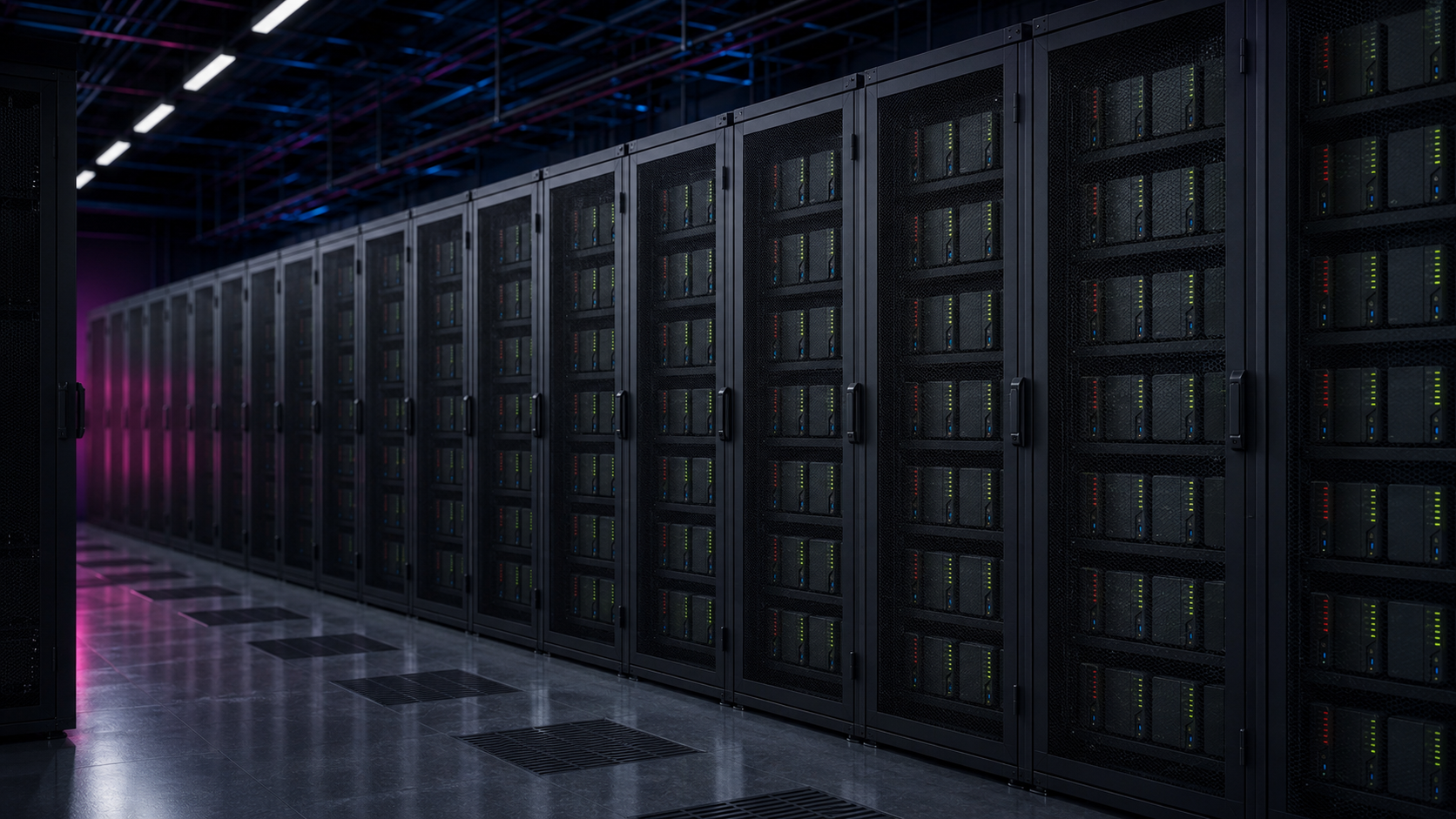
- Customer per set of drives
- 1Customer per set of drives
- Shared or pooled capacity
- 0Shared or pooled capacity
- Mirrored drives in every instance
- RAID 1Mirrored drives in every instance
- Encryption applied at the hardware layer
- AES-256Encryption applied at the hardware layer
Shared infrastructure spreads other people's risk onto your data
In a multi-tenant platform your files sit on the same media as strangers, reached by the same control plane and exposed to the same misconfiguration. Dedicated hardware removes the neighbours from the problem.
No noisy neighbours
Nothing else is written to your drives, so another tenant's breach, deletion or legal seizure cannot touch your data.
One verified owner
Drives are allocated against a verified identity or company, so there is a single accountable holder rather than an account inside a pool.
Something auditors can point at
You can name the equipment, the capacity and the location, which is the level of specificity regulators and insurers keep asking for.
How your hardware is allocated
Allocation happens once, at the start, and the record stays with your instance for the life of the contract.
Identity is verified first
Business or personal verification is completed before any equipment is assigned, so the drives have a named holder from the outset.
Drives are selected and recorded
Specific drives are chosen for your capacity and their serial numbers are recorded against your instance.
Mirrored and commissioned
The pair is configured as RAID 1 and commissioned in a Firevault bunker, with hardware level AES-256 applied across the set.
Locked to your instance
Your capacity is only ever your drives. Capacity changes mean new equipment and a migration, not a larger slice of a shared array.
What sits behind an Offline Secure Storage® instance
The same hardware principles apply from a 2TB Vault up to an Enterprise programme. Only the scale changes.
Enterprise-class drives
Storage rated for continuous duty rather than consumer drives repurposed into a rack.
RAID 1 mirroring
Every instance is a mirrored pair, so a single drive failure does not become a data loss event.
Vault Spare
A geographically separate spare copy protects against the loss of a site as well as the loss of a drive.
Hardware level encryption
AES-256 is applied by the hardware, so protection does not depend on an application staying uncompromised.
Serial-level record
The equipment holding your data is identifiable, which makes retirement and return verifiable rather than assumed.
Scales without sharing
Storage and Enterprise instances add arrays, not tenants. Above 8TB the design is scoped with the team.
Related, but not the same thing
Dedicated hardware is about tenancy: whose drives these are. The four physical principles answer different questions, and it is worth keeping them apart.
Physical storage
That your data lives on real media in a known place, rather than as an abstraction in a platform.
How storage worksPhysical ownership
Who holds title to the equipment. Vault is allocated to you; Storage and Enterprise hardware can be purchased in your name.
Ownership modelsPhysical control
Who can enable the route to the drives, and for how long. That is the session model, not the hardware.
How access worksPhysical security
The bunker itself: perimeter, power, environment and on-site staffing around the racks.
Inside the bunkersQuestions
Is my Vault a folder inside a shared platform?
No. A Vault is an allocation of physical drives. It is not a quota, a bucket or a partition inside capacity shared with other customers.
Do I own the drives?
With Vault and Storage in a Firevault bunker the hardware is allocated exclusively to you and Firevault holds and maintains it. Enterprise programmes can purchase equipment in your organisation's name.
What happens if a drive fails?
Every instance is RAID 1 mirrored and backed by a geographically separate Vault Spare copy, so a failure is a hardware replacement rather than a recovery event.
Can Firevault staff read my data?
No. Access requires your credentials and multi-factor authentication, the drives are physically disconnected by default, and there is no administrative backdoor into the data.
Does dedicated hardware mean the drives are always online?
No, and this is the point. Dedicated hardware describes tenancy. The drives are physically disconnected when a session is closed.
What happens to the hardware at the end of the contract?
You renew, or the physical hardware is returned or securely destroyed to certificate. Nothing is left stranded inside a platform.
Can I upgrade capacity later?
Yes. A larger Vault means new allocated drives and a managed migration of your data onto them.
Is this the same for Storage and Enterprise?
The principle is the same, at larger scale. Storage covers 20TB to 300TB and Enterprise starts at 300TB, both scoped with the team.
Choose the capacity you need on hardware that is only yours
Vault is available at 2TB, 4TB and 8TB. Above 8TB the design is scoped with the team.