Everything technology leaders should know about Offline Secure Storage
A CIO, CTO and IT director explainer on Offline Secure Storage®: why recovery fails on dependencies rather than tooling, how physical Layer 1 isolation differs from logical air gaps and immutability, how access and restore actually work, and how to design a recovery architecture that survives a privileged compromise.
Why it matters
What this means for organisations holding critical data
A CIO, CTO and IT director explainer on Offline Secure Storage®: why recovery fails on dependencies rather than tooling, how physical Layer 1 isolation differs from logical air gaps and immutability, how access and restore actually work, and how to design a recovery architecture that survives a privileged compromise.
Recovery rarely fails because the backup product was wrong. It fails on dependencies: identity that has to be rebuilt before anything else can start, a management plane that is itself compromised, a backup catalogue held inside the blast radius, and credentials that live in the estate being restored.
Offline Secure Storage® exists to break one dependency completely, which is the network path between the operating estate and the copy recovery depends on.
The mechanism
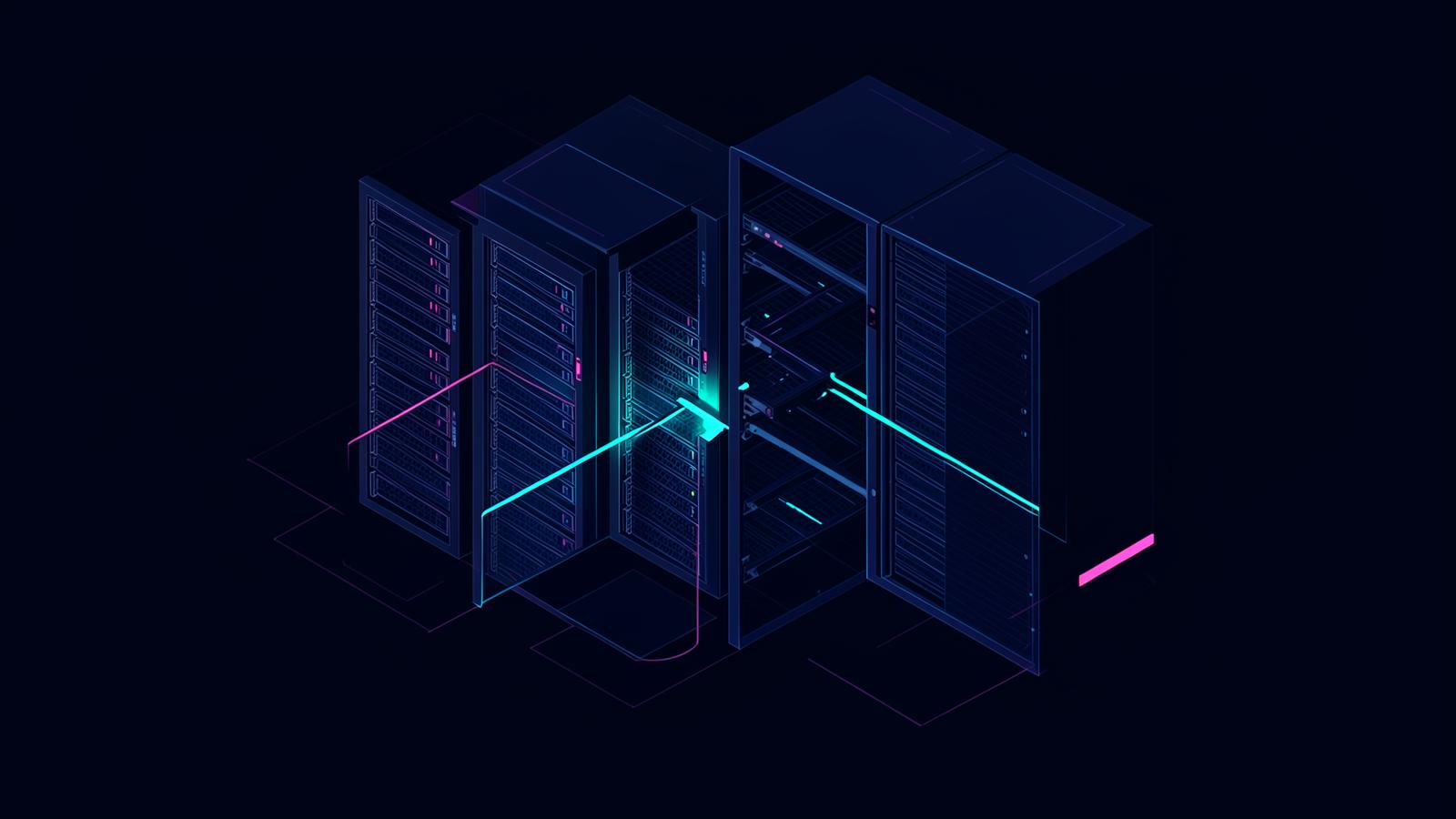
Capacity sits on dedicated physical drives, paired in RAID 1, in a professionally managed facility. There is no live network path to it. The connection is physically open at Layer 1 and is closed only when an authorised out-of-band command requests it, for a defined and time-limited window, then opened again.
The control path is separate from the data path, so it cannot be reached from the estate. There is no standing IP address to resolve, no listening service to enumerate, no management API exposed to production, and no policy object that a privileged account can rewrite.
Why logical isolation keeps failing
The word "air gap" now covers three materially different designs, and the difference decides the outcome of an incident.
Logical. VLANs, firewall rules, separate tenancy, virtualisation. Configuration, and therefore changeable by whoever holds the right privileges.
Operational. A path that exists but is scheduled closed for part of the day. Smaller window, same path.
Physical. No connection at Layer 1. Nothing to reconfigure, because no configured path exists.
Real incidents turn on this. Attackers who reach recovery infrastructure usually arrive with valid administrative credentials rather than malware, then use the platform as designed: delete snapshots, shorten retention, disable jobs, revoke immutability where the platform allows it. MITRE ATT&CK documents the pattern as Inhibit System Recovery, T1490, and recommends keeping recovery copies off system.
How it sits alongside immutability
Immutable storage protects the state of an object for a retention period. It is a genuine and valuable control, and it should be used.
What it does not do is remove the environment around the object: identities, APIs, policy engines, retention configuration and a network route. Immutability protects the copy. Physical isolation controls the path to it. The strongest designs use both, and treat the isolated copy as the last-resort tier rather than the operational one.
Where it sits in the architecture
Treat it as a tier, not a replacement.
Tier one, operational recovery. Local snapshots and fast restores for everyday failure. Minutes to recover, fully connected, high change rate.
Tier two, resilient backup. Off-site, immutable where possible, hardened credentials, separate administrative identity. This handles most incidents.
Tier three, isolated last resort. Offline Secure Storage®. A defined, curated set rather than the whole estate, written on a deliberate rhythm and reachable only through an out-of-band request. This is what survives the compromise of tiers one and two.
The design discipline is that tier three must not share credentials, identity provider, management plane or automation with tiers one and two. If it does, it is a copy in the blast radius with extra steps.
What belongs in the isolated set
Curate deliberately. The last known good backup set. Identity system backups, including directory state and the recovery credentials for it. Configuration and infrastructure-as-code needed to rebuild the environment. Golden images and build artefacts. Encryption key material and escrow. The backup catalogue itself. Regulatory and audit evidence. Intellectual property and design data. Financial, payroll and contractual records.
The two most commonly omitted items are the recovery credentials and the configuration required to stand the environment back up. Both are painful to discover missing during an incident.
How access and restore work in practice
Request. An authorised, named user issues an out-of-band command from outside the data network.
Verification. The request is authenticated against the named user list on the separate control path.
Connection. The Layer 1 path closes and an encrypted, time-limited session is established.
Use. Data is written or read at disk speed using standard tooling, so there is no proprietary restore client to learn and no media to mount.
Disconnection. The window closes, the path opens again, and the access record is retained.
Because the media is live-capable disk rather than tape, restore begins immediately once the window opens. There is nothing to collect, transport or rehydrate, and no per-gigabyte retrieval charge applied to a recovery that is already under pressure.
Designing the operating rhythm
Most estates settle into three rhythms: a scheduled write window for the curated set, a periodic restore test with a recorded elapsed time, and an unplanned access request handled by a named authority under change control.
Two engineering rules make this durable. Keep the write path one-directional in intent, so the isolated copy is a destination rather than a mount that production depends on. And test the restore into a clean environment, not back into the estate that produced the data, because that is the condition you will actually face.
Instances and sizing
The range is capacity-led. LUV is 300GB fixed with a weekly 12-hour access window, suited to an archival set. Vault is 2TB, 4TB or 8TB with access on demand. Storage begins at 20TB in fixed 20TB increments. Enterprise begins at 300TB and is designed around the estate and jurisdiction. Bunkers are live across Europe, including the United Kingdom, with the United States and the Middle East next.
Where to go next
For the whole subject in one place, read Offline Secure Storage®: everything you need to know. For the architecture treatment, see Cyber Resilience, Architecture and Recovery, and for the rebuild sequence, Ransomware Recovery, Backups and Resilience. Where the same physical logic needs to apply to operating systems rather than records, see Control by Firevault.
The engineering summary is short. Every other control asks you to trust that the path is being defended. Removing the path removes the assumption.
How Firevault would handle this
A recovery copy an attacker cannot reach
Offline Secure Storage® keeps a clean copy of your data on hardware that is physically disconnected, so backup and recovery do not depend on systems an intruder can touch.
Keep reading
You may also find these useful
Offline Secure Storage: everything you need to know
Offline Secure Storage® is dedicated physical storage that has no network path to it until an authorised out-of-band command creates one. This explainer sets out what it is, how it differs from air gaps, tape and immutable cloud storage, what the standards and insurers expect, how access actually works and how to choose the right instance.
ExplainerEverything leaders should know about Offline Secure Storage
A board-level explainer on Offline Secure Storage®: the accountability it answers, the difference between backup and recovery, the questions to put to management, the evidence to expect back, and how to judge whether the organisation could rebuild itself after a serious compromise.
ExplainerEverything finance leaders should know about Offline Secure Storage
A CFO-level explainer on Offline Secure Storage®: how to build the loss model before the control decision, what cyber insurance genuinely transfers, how to treat the cost of a physically isolated copy, and the financial records that need to survive a compromised estate.


Which offline secure storage solution is right for you?
Answer a few quick questions and we will recommend the right solution, whether that is a personal vault or a scalable offline storage system built for your needs.
Takes about 2 minutes. No account needed.