What sits on StorageYour customers’ recovery assets
- Offline copies of the backups you already manage
- Archives and regulated retention
- Organisational, sensitive and customer data
- Recovery images for your own platforms

 StorageScalable Offline Secure Storage™
Storage is physically disconnected Offline Secure Storage® installed on premises, in your data centre or at your customer’s site. Use it to protect your own platforms, then offer it as an offline recovery service your customers can see, understand and buy.
For managed service providers, IT support businesses, data centres and resellers. From 20TB to enterprise scale. You keep the customer relationship.
Why your customers need it
Attackers target service providers because one way in leads to many organisations. When your customers’ recovery copies sit on the same connected estate as your management tools, a single stolen credential can reach all of them.
Your customers are already asking where their copies are kept, who can reach them and how quickly they can be restored. Storage lets you answer with a copy that is physically disconnected, on premises and written into their contract.
What you are offering
Storage is dedicated physical infrastructure installed in your data centre or at your customer’s site. The network path is physically removed outside authorised windows, so ransomware, stolen credentials and compromised tools cannot reach the protected copy.
The physical network path is removed outside authorised windows, not hidden behind a password.
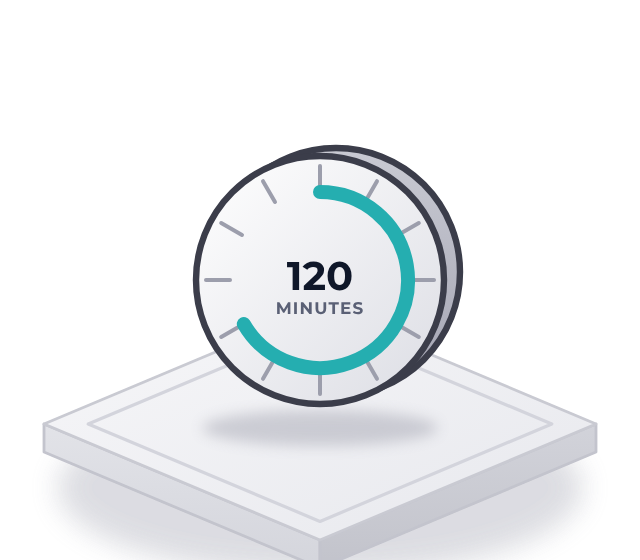
Windows and access profiles are agreed during design, so backups land and recoveries run when they should.
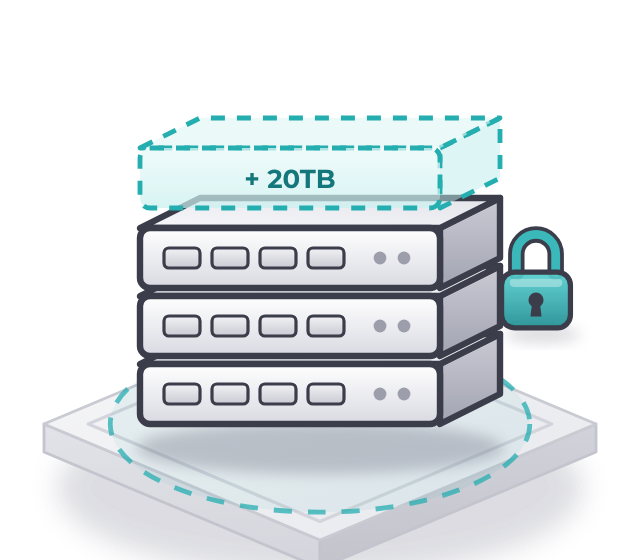
On premises, in your data centre or your customer’s site, from 20TB in fixed 20TB blocks to enterprise scale.
What sits on StorageYour customers’ recovery assets
How it fits your stackComplements your backup software
Three ways to work with Storage
Most providers start by protecting their own platforms, then extend the same protection to their customers.
Install Storage in your data centre to protect your management systems, backup repositories and recovery images. If your own estate is compromised, you can still restore every customer.
Point customers with high-value or regulated data to Storage installed at their own site, designed with our team and supported by your engineers.
Package offline protection as your own service: a disconnected recovery tier, offline retention or a guaranteed clean restore point, priced per customer.
Who to recommend it to
Four kinds of customer recognise the need straight away.
Financial, legal, accountancy and healthcare customers who must show where retained data is held and who can reach it.
Customers whose production stops when systems are encrypted and who need a known clean restore point.
Organisations holding records for citizens, patients or students that must survive an attack.
“What if the backups are hit too?” That question is the start of a Storage conversation.
How you sell and deliver it
Four steps, worked through with our solutions team.
Capacity, where Storage is installed, access windows and how it connects to the backup technology you already run.
Storage is installed in your data centre or at your customer’s site and commissioned with named access profiles.
Add it to existing backup and recovery contracts, or launch a new offline tier. Commercial terms are agreed with our team.
Add 20TB blocks as customers join. Your engineers keep supporting your customers as they do today.
Add a VaultRemote, 2TB, 4TB or 8TB
For a customer who wants their most valuable data away from every site. Vault is the only OSS instance held remotely, in a Firevault Bunker, at a fixed monthly price.
See VaultEstimate StorageIndicative, in minutes
Enter your customers, capacity and hardware to see an indicative Storage figure, with optional Vaults for hybrid designs.
Open the Storage estimatorHow it works
Storage connects for an authorised activity. Information is transferred or retrieved, completion is checked and the physical connection is removed.
On premises: in your data centre or at your customer’s site. Vault is the only instance held remotely, in a Firevault Bunker.
Yes. Storage can sit behind your own backup, recovery and resilience services, and you keep the customer relationship. Commercial arrangements are agreed with our team.
Capacity and how customers are separated are set during design, around the services you run.
Storage complements your backup software rather than replacing it. Compatibility is established during design.
Named verified individuals with defined permissions and agreed authorised workflows.
Your next step
Tell us about the services you provide, the customers you serve and the technology you run. We will design where Storage is installed and how you take it to market.
Storage installed on premises from 20TB. Vault in Firevault Bunkers, 2TB, 4TB or 8TB.