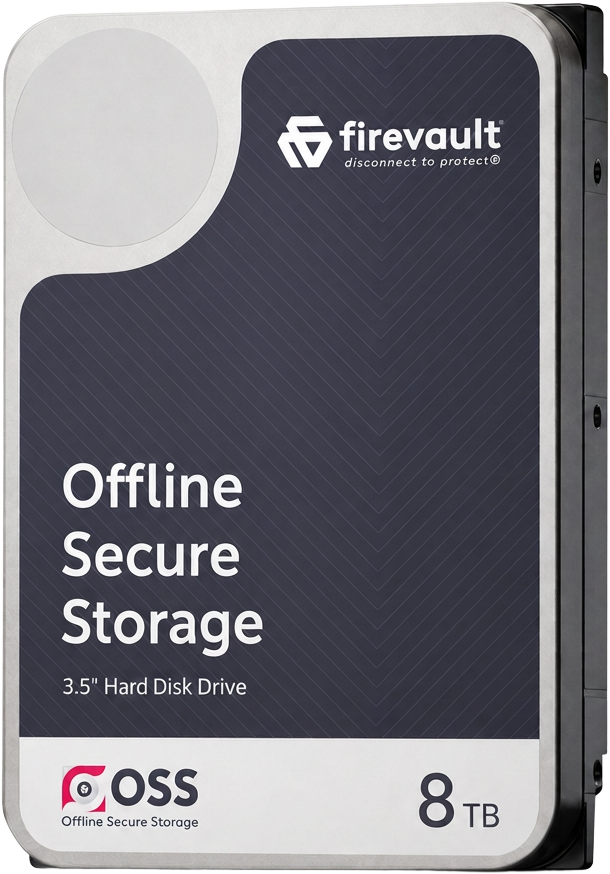
Firevault - Disconnect to Protect®️ Offline Secure Storage for individuals, boardrooms and businesses data
Create your vault

Secured Offline Digital Safe Deposit BoxProtect Your Personal & Professional Files Offline

Your most sensitive files should not live online by default.
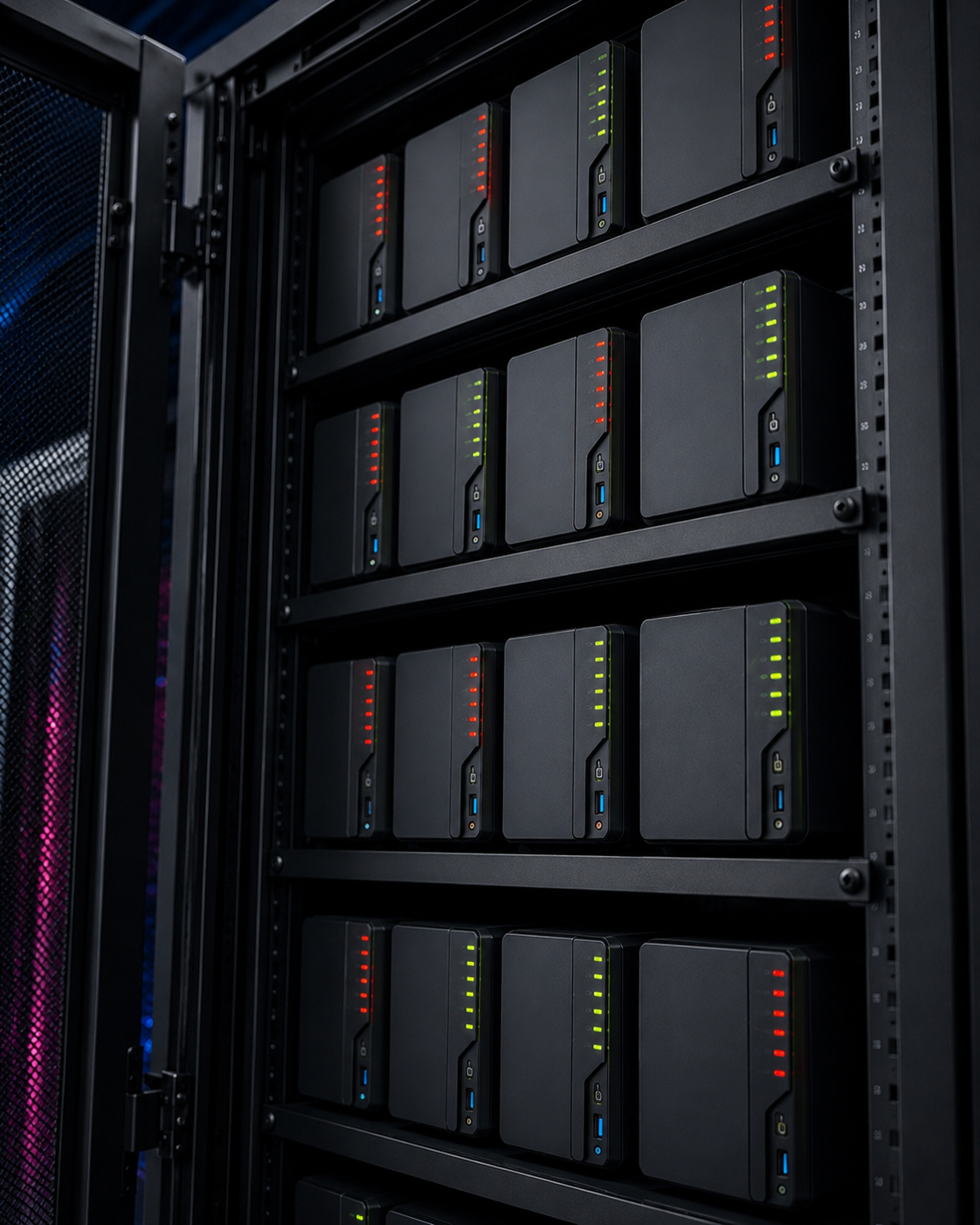
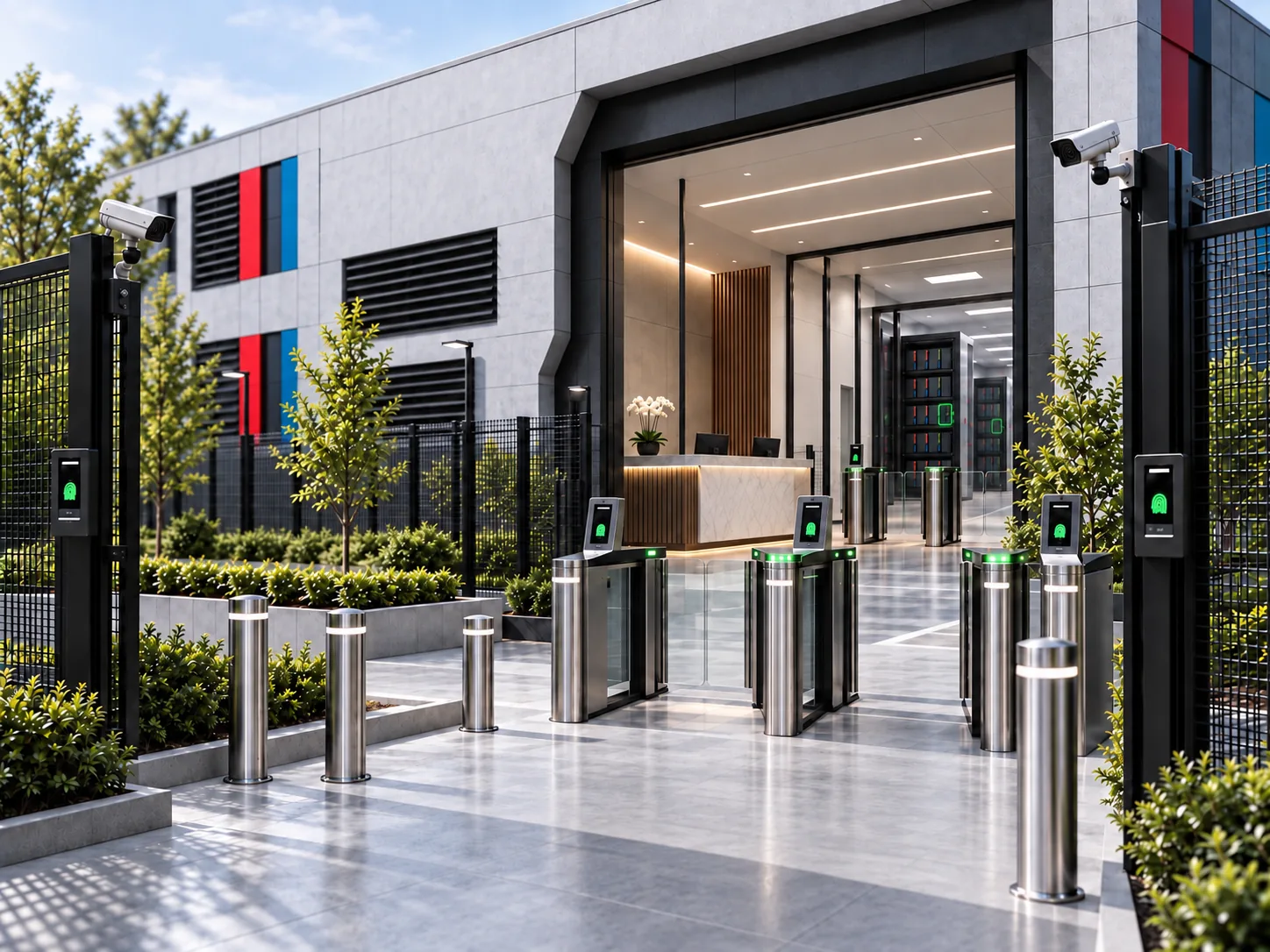
Vault by Firevault is a secured offline digital safe deposit box, designed to keep personal and professional data out of reach from breaches, ransomware, and account takeover.

is lost on average in 84% of data breaches (UK Fraud)
£ 0 k
maximum personal liability for UK directors (ICO, UK)
£ 0 k
Built for people who can’t afford a breach: Individuals · Families · Directors · Boards · Professionals · Creators · Investors 
Protect the files that matter the most. Offline & Secure.

Vault gives you a private, offline digital safe deposit box for the records that define your life and work, protected from breaches, ransomware, and account takeover.

Thousands of files, human errors cause data breaches daily.

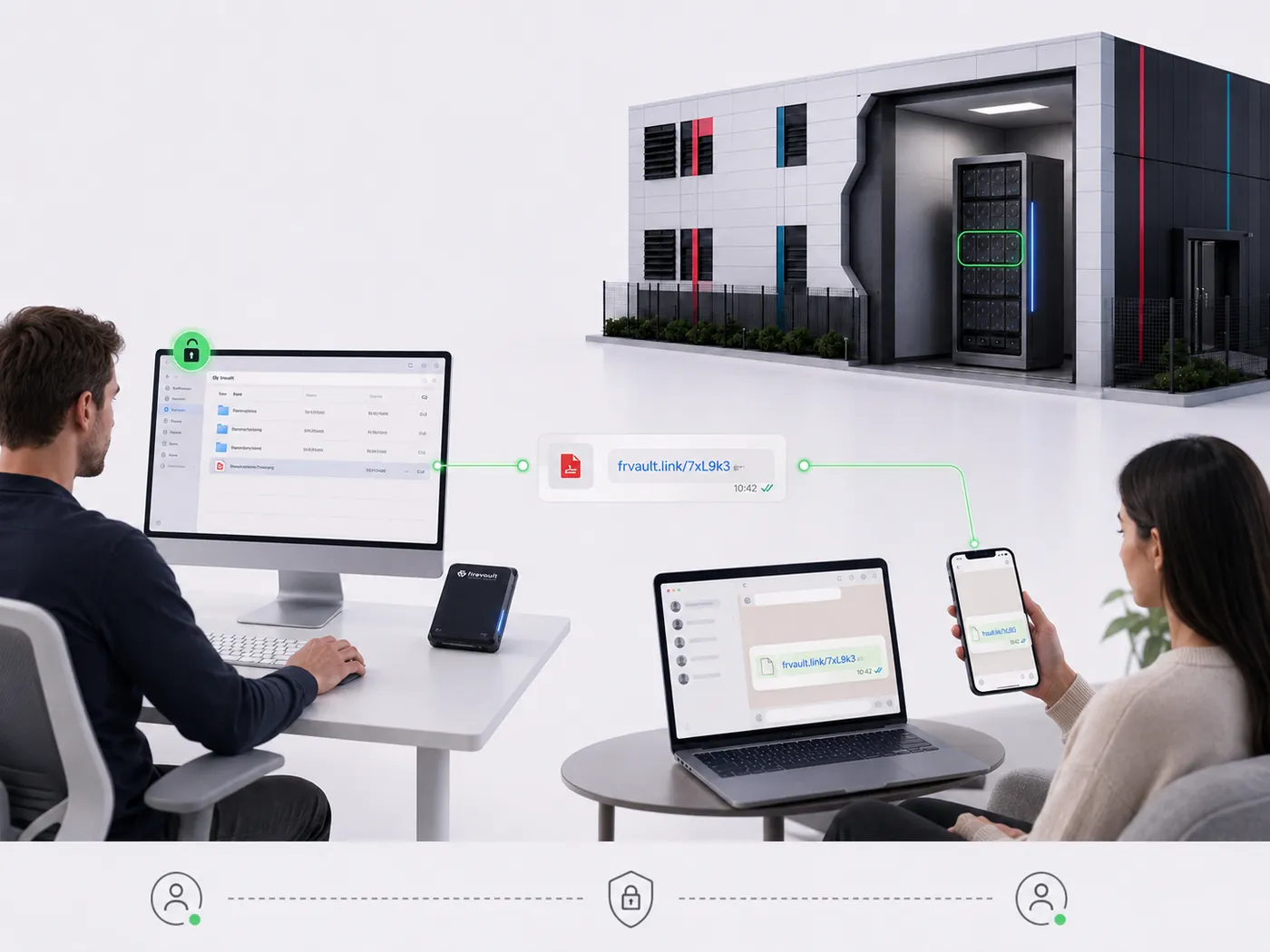
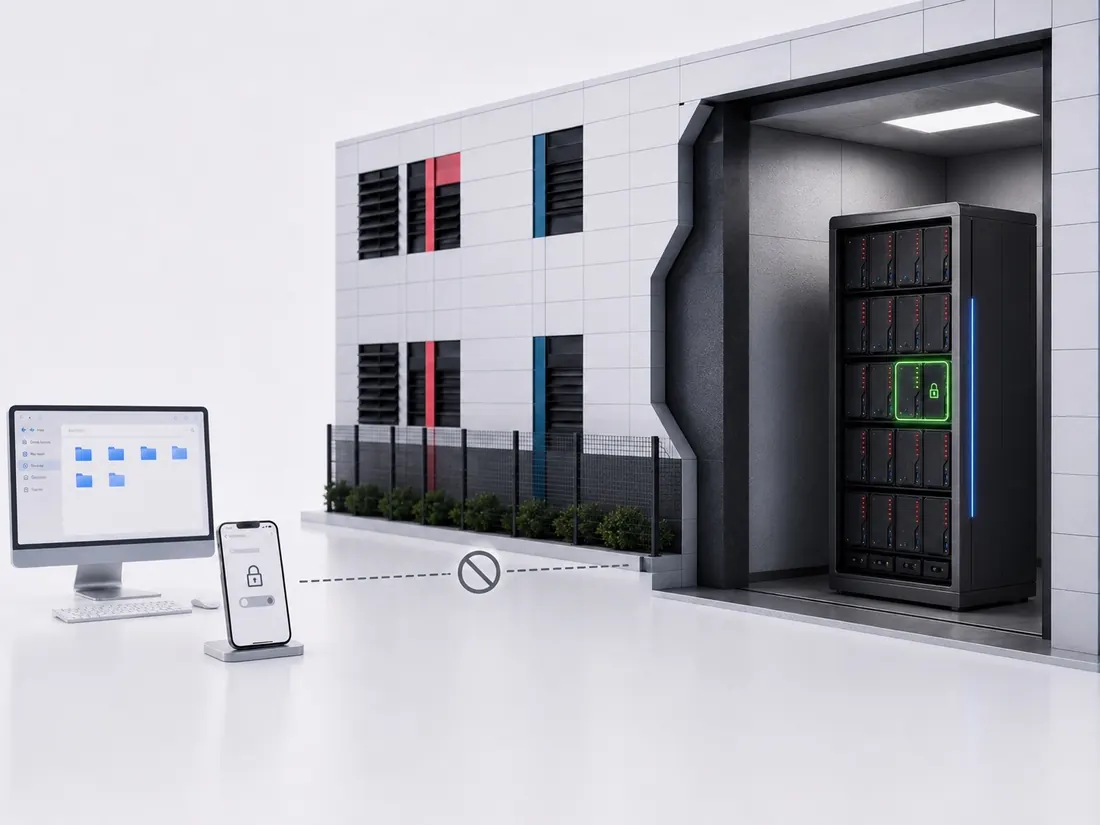
Open your vault from any device with a modern browser. When you’re finished, one click closes the session, and your vault disappears from the internet again.

Essential Security with ownership Safeguards. 
physically disconnected & offline.
0 %

What You Can Do With Your VaultEssential Offline Features for Every Vault Owner

Manage, protect and control your files with tools designed to keep them completely out of reach from online threats.=

Icon showing a folder with a tick and a medical cross, representing approved or verified medical records stored securely in Vault: the world’s most secure digital safe deposit box.

Store Everything That Matters

Keep your most important files together in one secure offline vault. Contracts, ID scans, tax records, board papers, creative projects and family archives. instead of spreading them across cloud accounts and devices.

An icon of a document with text lines, partially covered by a large pink circle containing a white tick—symbolising approval or completion in Vault: The world’s most secure digital safe deposit box.

Find What You Need Fast

Folders, tags and clean organisation make it easy to locate critical files quickly, without digging through inboxes, downloads or old cloud storage links.

Illustration of a laptop, tablet, and smartphone with dark frames and pink accents, overlapping to represent multiple digital devices—all safeguarded with Vault: The world’s most secure digital safety deposit box.

Fits the Devices You Already Use

Access your vault from Mac, PC, tablet or mobile through a modern browser. No apps, plugins or installations,just secure access wherever you are.

A dark toggle switch with the word OFFLINE and a bright pink circle signals the switch is set to offline mode—perfect for Vault: The world’s most secure digital safety deposit box.

Access Only When You Authorise It

Your vault opens only under your instruction. When you end a session, access stops immediately, leaving your files fully protected.

A pink arrow pointing left with the word OFFLINE inside a rounded rectangle, next to a pink padlock with a white tick—perfect for Vault: The world’s most secure digital safe deposit box.

Share Sensitive Files Safely

Give trusted recipients short, controlled access to specific documents without uploading anything online or sending risky attachments.

A dark grey safe with a circular door featuring a pink heart in the centre, inspired by Vault: The world’s most secure digital safety deposit box.

Protected Even If Something Fails

A separate offline backup vault ensures your files can be recovered if hardware fails — without ever pushing your data into the cloud.

Vault

Everything You Need to KnowWhat Vault Is, Why It Matters & How It Protects You

Lorem ipsum dolor sit amet, consectetur adipiscing elit. Ut elit tellus, luctus nec ullamcorper mattis, pulvinar dapibus leo.

A Vault is your private, offline digital safe deposit box. It protects your most important files by keeping them disconnected from the internet, encrypted, and accessible only to you.

Because anything stored online can be scanned, leaked or stolen. In the last year alone, over 50 billion files were exposed in breaches — from social platforms to retailers and even government services. A Vault removes that exposure completely by keeping your files disconnected and offline. 

Anyone with files they can’t afford to lose or expose: individuals, families, professionals, directors, creators, investors, and anyone storing identity documents, financial files, legal records or personal memories.

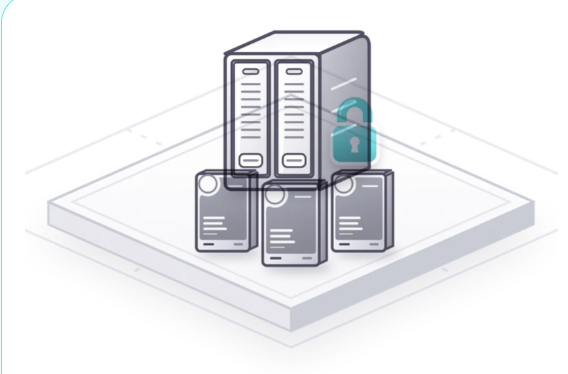
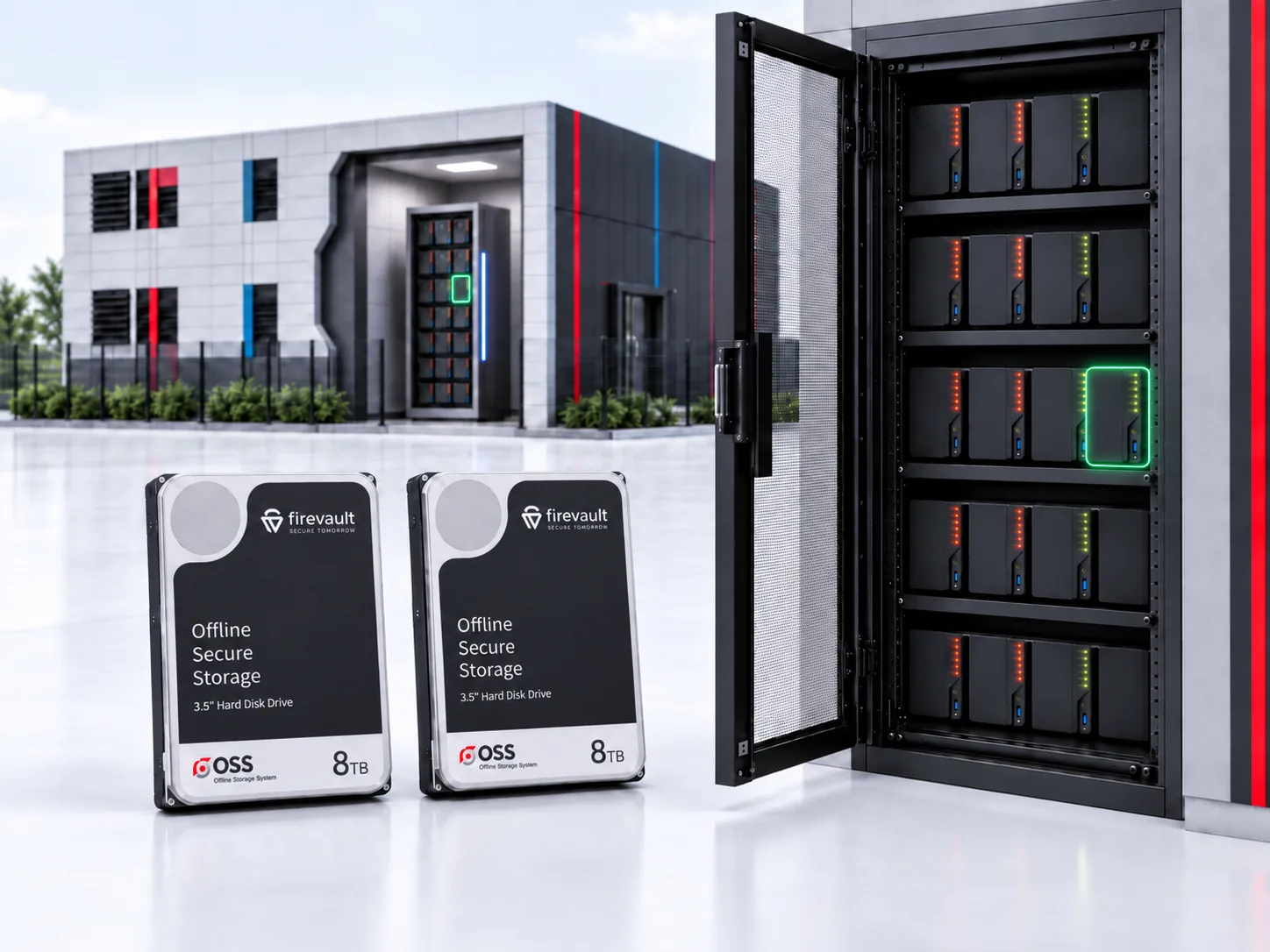
Inside a secured, identity-locked offline vault that you control. When the vault is closed, your data is not in the cloud, not on your device, and not discoverable anywhere online. It is physically stored in a remote location.

Whenever you’re storing anything sensitive ID scans, tax records, medical files, contracts, passwords, family documents, private conversations, creative work. If you’d be devastated or embarrassed if it leaked, it belongs in your Vault.

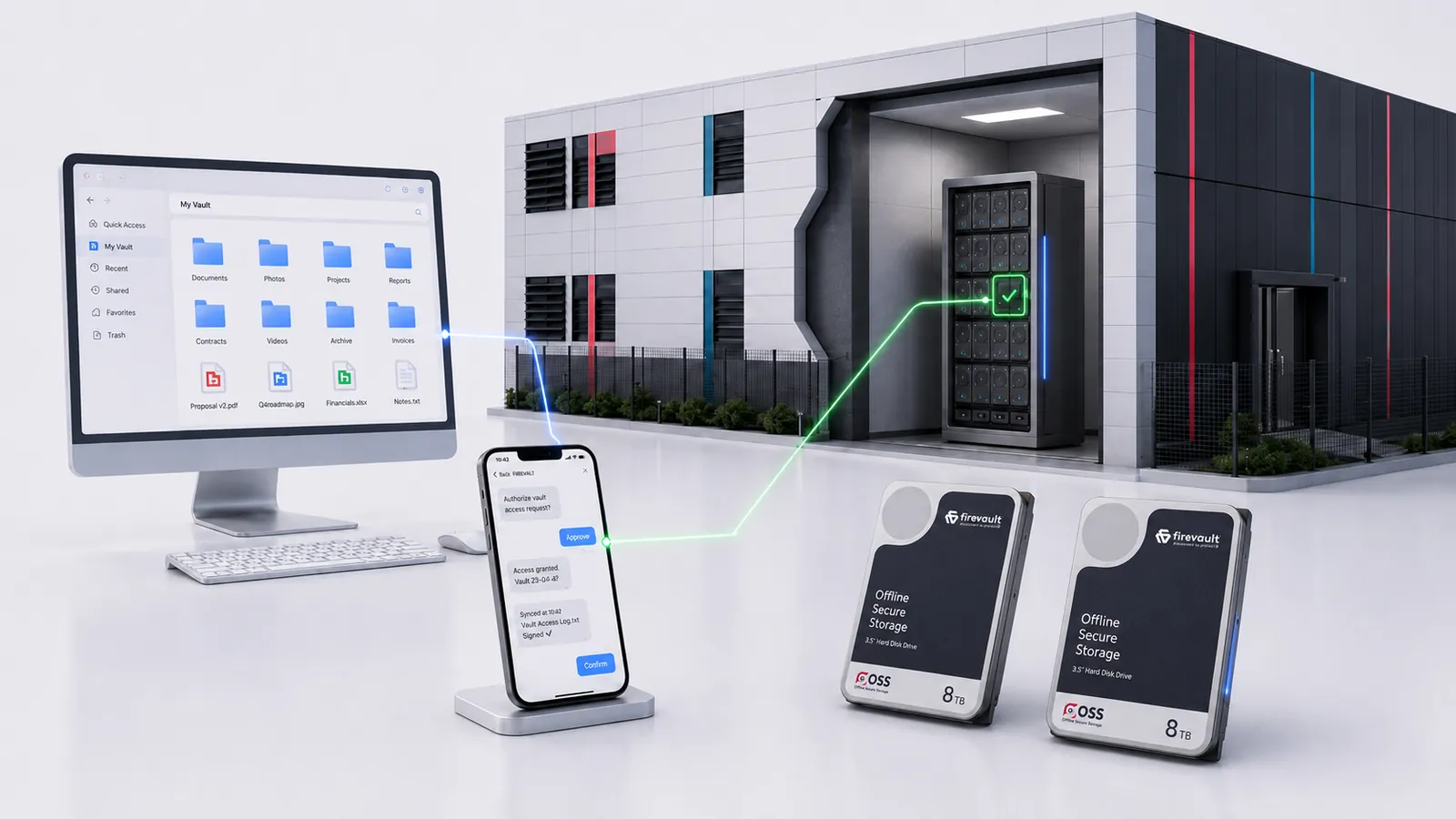
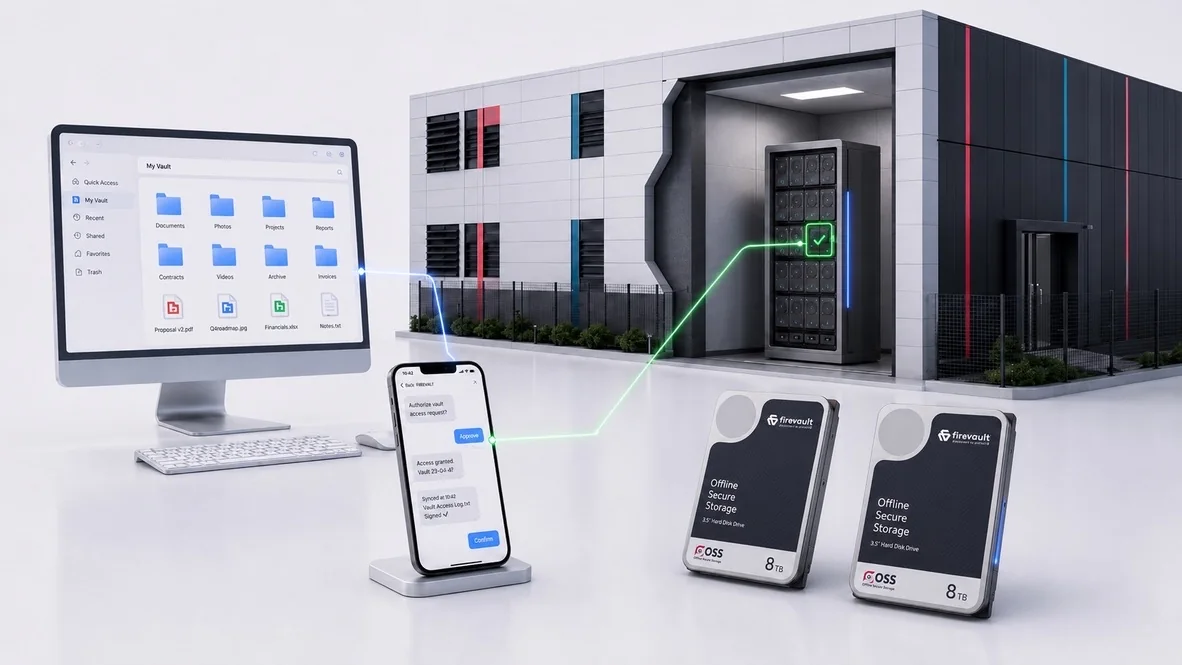
You unlock your vault from your verified device, work in a private, offline session, then close it. When closed, it disconnects completely and becomes invisible. No cloud syncing, no online copies, no scanning, no exposure. Just total control.

What You Can Do With Your VaultEvery vault includes essential security & ownership safeguards

Manage, protect and control your files with tools designed to keep them completely out of reach from online threats.

Illustration of a calendar page with a large number 36 and the word MONTH below it, symbolising 36 months of secured offline data storage. The calendar features a dark background and a pink bar at the top.

36-Month Commitment

A long-term, commitment that guarantees continuity, stability, and uninterrupted protection.

An icon of a mobile phone with a large pink circle containing a white tick overlapping the lower right corner, symbolising mobile verification or authentication with Secured Offline Data Storage.

Active Mobile Phone Connection Required

Access commands must be sent from your verified and active connection.

A simple illustration of a dark balance scale next to a bright red shield with a white exclamation mark, symbolising legal protection or the security of a Firevault—your secured offline digital vault—emphasising "Disconnect to Protect.

Legally Yours

Your vault, your data protected under a binding ownership agreement.

Icon of an identification card with a user silhouette and two lines representing text, featuring a large pink tick in a circle on the bottom right, symbolising verification or approval with Secured Offline Digital Vault protection.

ID Checks need to be passed

Identity checks ensure only legitimate users can create and control a vault.

A dark grey safe with a circular door featuring a pink heart in the centre, inspired by Vault: The world’s most secure digital safety deposit box.

Vault buddy included

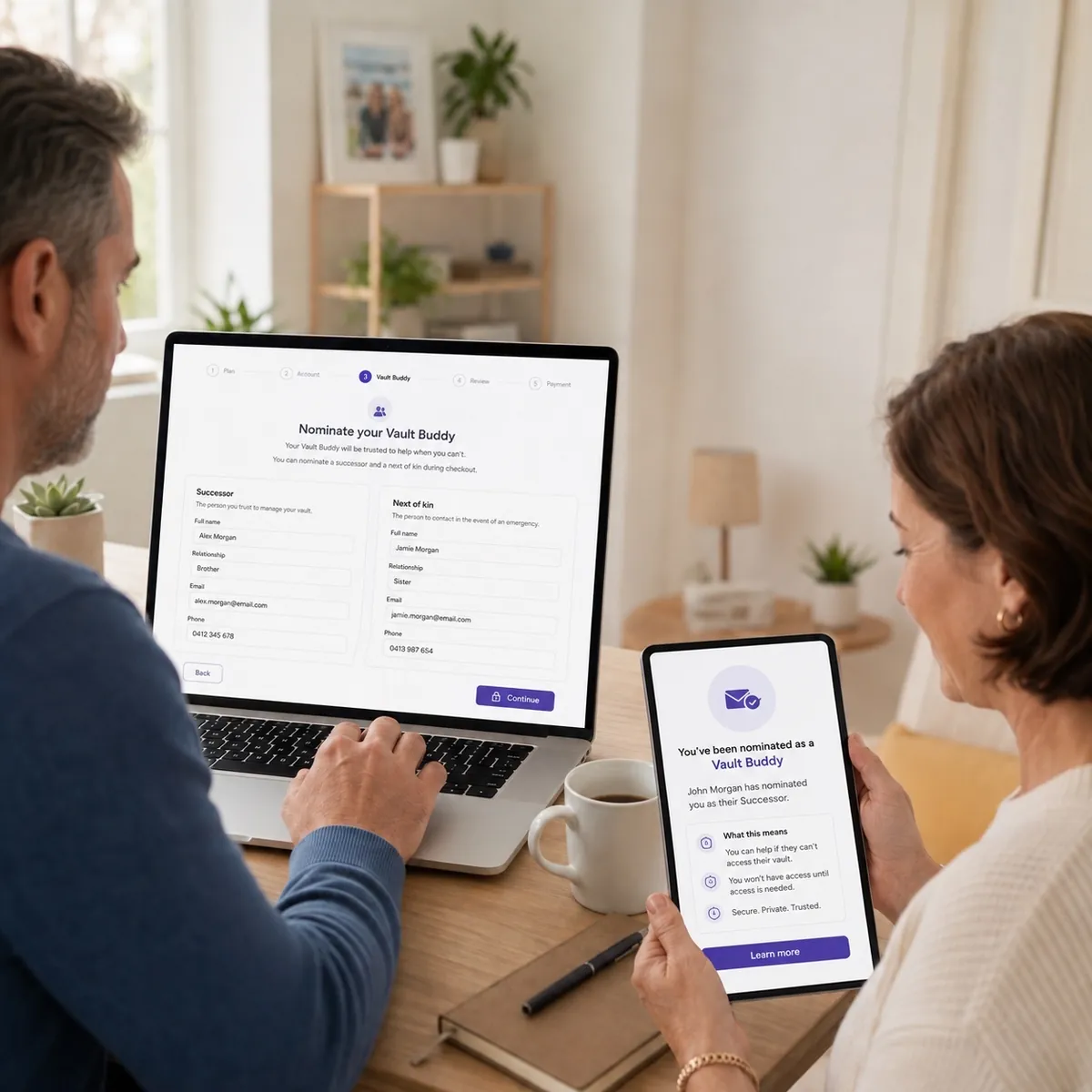
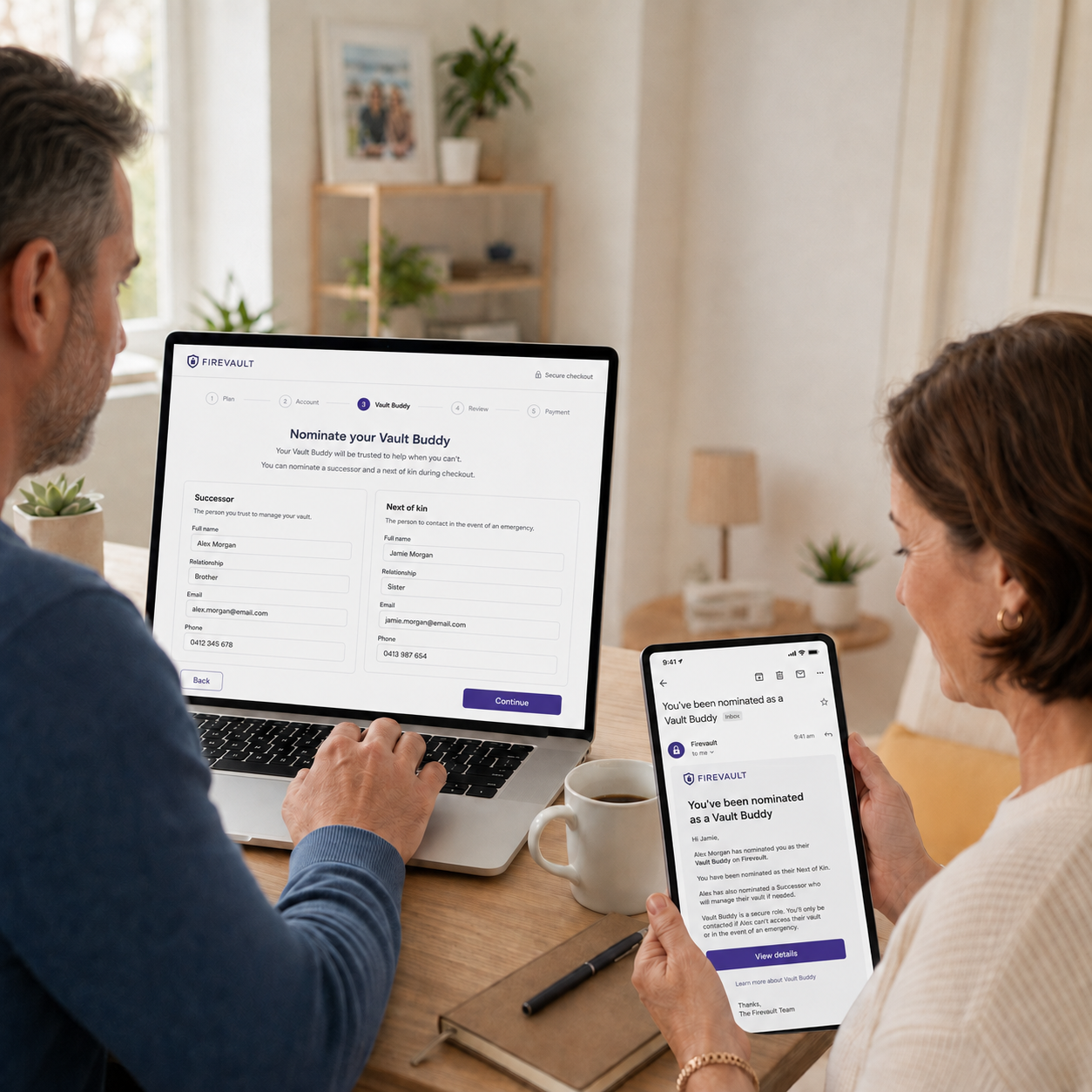
Appoint a trusted contact for emergency access, business continuity, or succession planning.

A circular icon with a pink arrow forming almost a full circle around the number 1 and a progress bar in the centre, symbolising a one-day streak or cycle, represents Firevault’s secured offline data storage and the principle of Disconnect to Protect.

One time reset

A controlled, identity-verified reset option for exceptional circumstances only.

A grey padlock icon appears behind a pink user silhouette, symbolising privacy and security, much like accessing a Firevault or a Secured Offline Digital Vault for protected user account access.

One vault to One User

Every vault is individually assigned, eliminating shared access and reducing insider risk.

A dark padlock inside a circle with a diagonal red line crossing through it, symbolising Disconnect to Protect—unsecured status contrasting the safety of Firevault’s Secured Offline Digital Vault. The background is white.

No Third Party Access

No providers, partners, or platforms can see, copy, or request your stored data.

vault pricingchoose the best plan for you

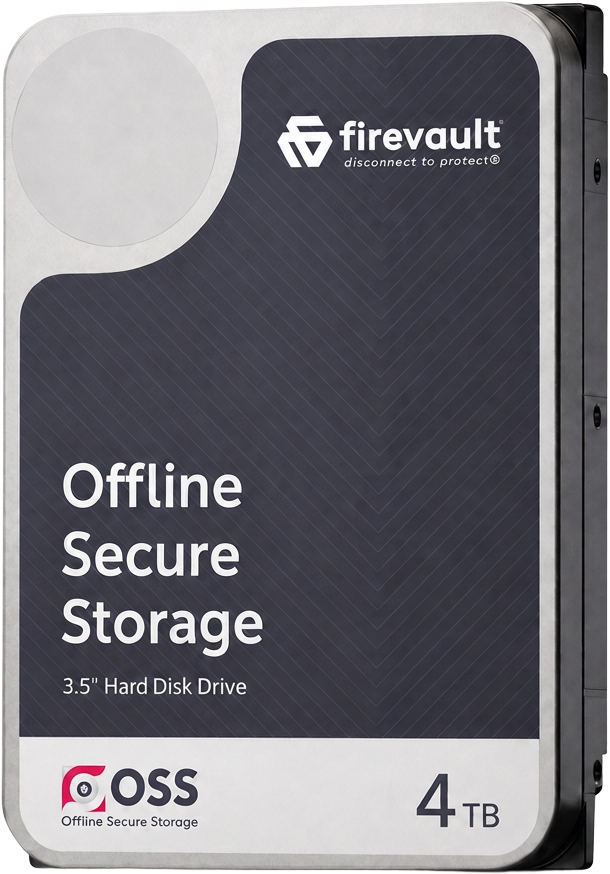
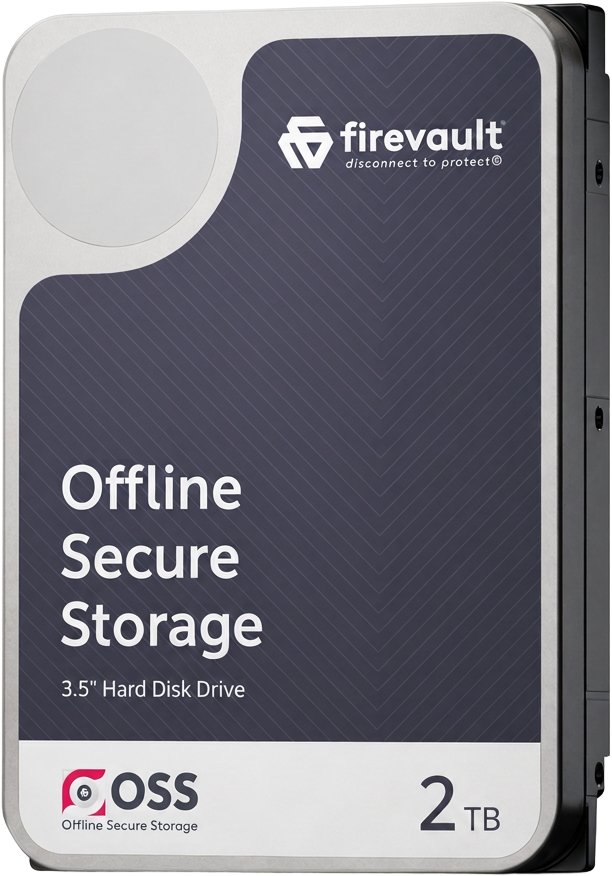
2TB
Great for everyday life
1 User
36 month commitment
Unlimited Files and Folders
Works on all devices
Vault buddy included
£300
+VAT / pm
Most Popular
4TB
Ideal for personal and professional use
1 User
36 month commitment
Unlimited Files and Folders
Works on all devices
Vault buddy included
£400
+VAT / pm
8TB
Ideal for heavy data use
1 User
36 month commitment
Unlimited Files and Folders
Works on all devices
Vault buddy included
£500
+VAT / pm
A geometric, abstract logo with interlocking shapes forming a stylised S and G in light grey on a white background, representing Firevault—your trusted Secured Offline Digital Vault.

Secure your vault. Offline, encrypted, and out of reach from breaches.

How you access and use your vault

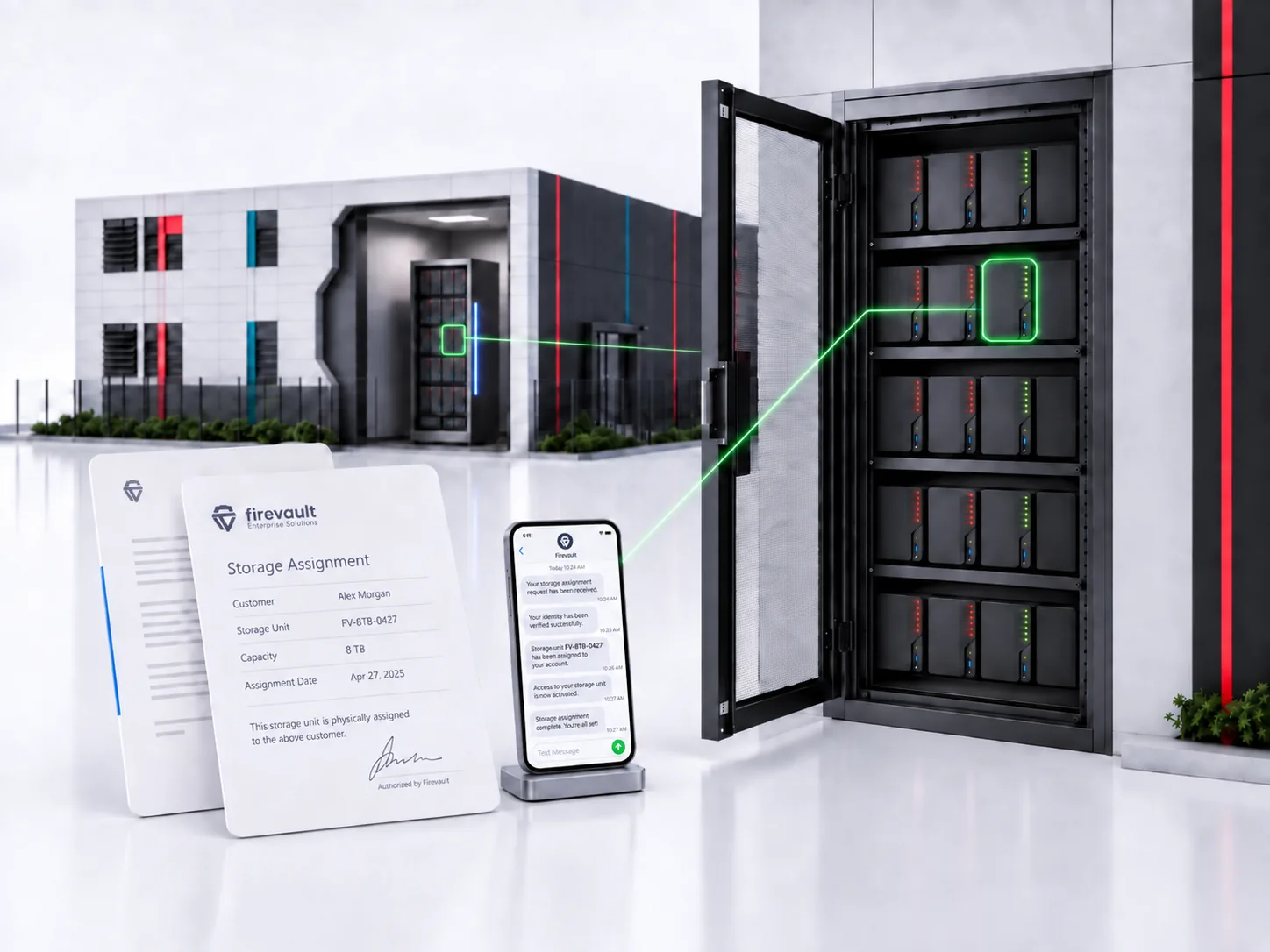
Your Vault Is Created

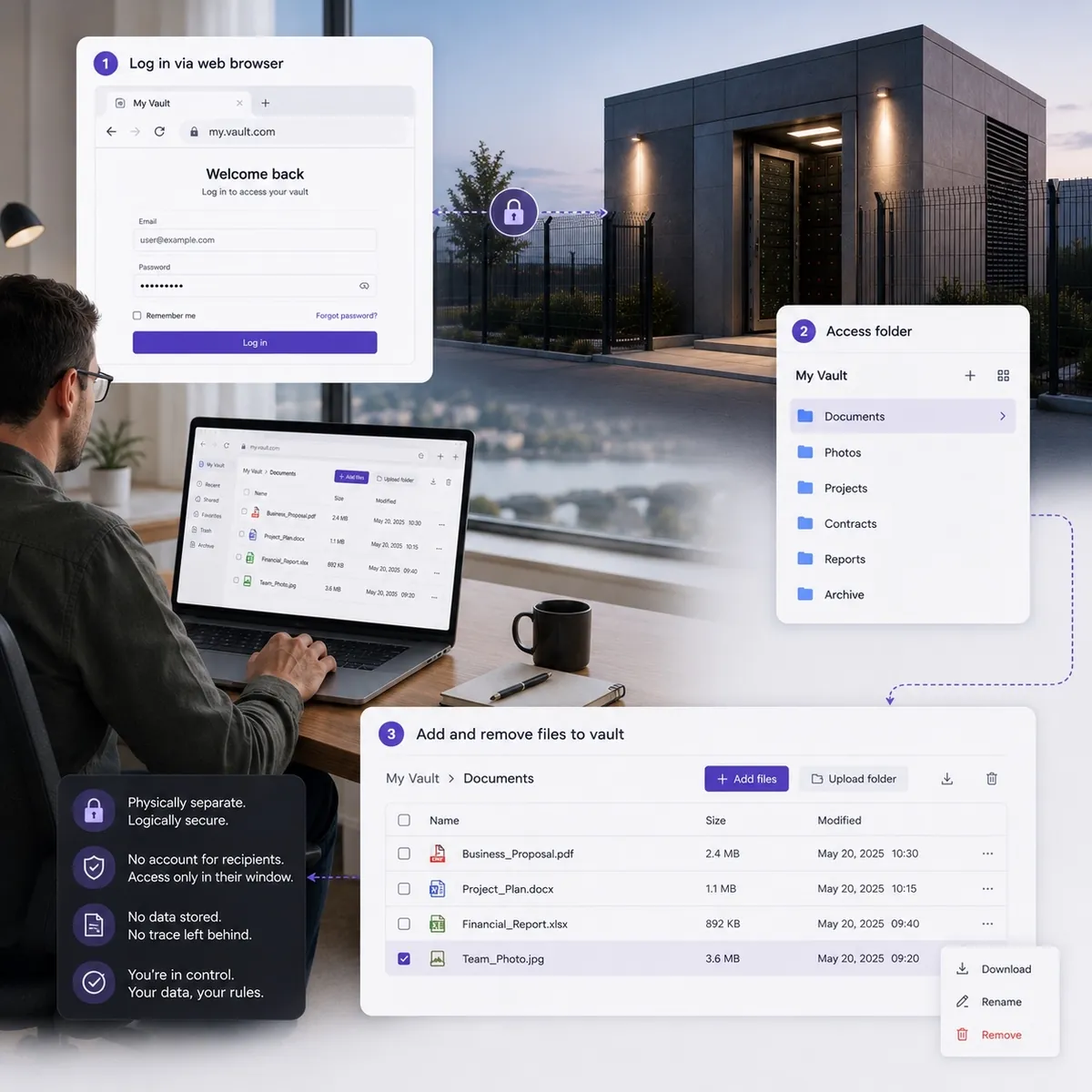
Once you purchase your Vault, we provision it for you and send your secure login details. This includes your Vault link, username and temporary password.

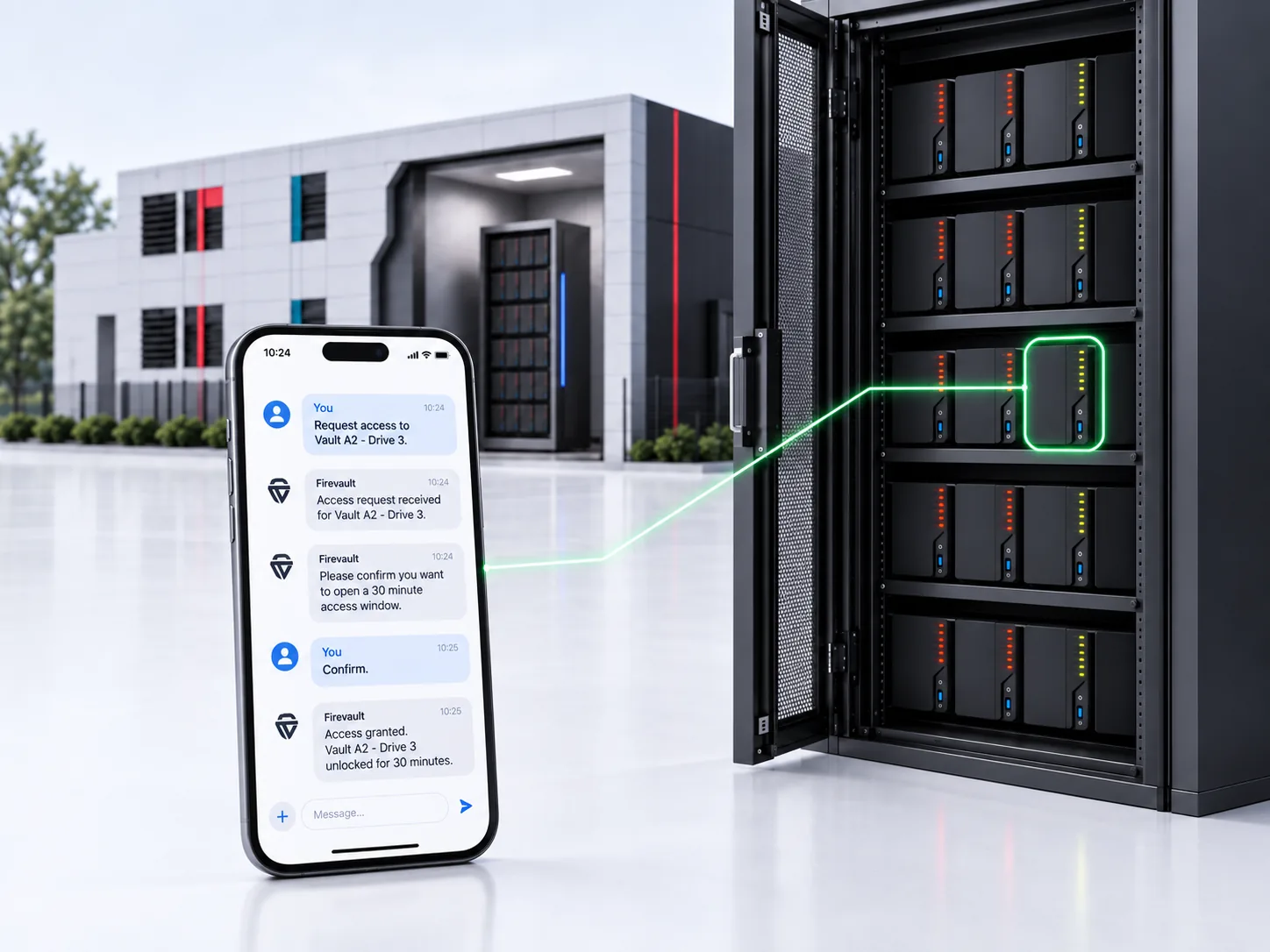
You Unlock Your Vault

To unlock your Vault, you send a short SMS command from your verified mobile number. You’ll receive a reply asking for your Safe Word , your identity check.

You Confirm Your Safe Word

Reply with your Safe Word to open your Vault. If it’s correct, you’ll receive a confirmation message and your Vault will come online for a secure session. If the Safe Word is wrong, the Vault stays locked.

You Access Your Data

Use your credentials to log in via your secure Vault link. You now have a private offline-to-online session to view, upload or download your files.

Set Up MFA & Manage Your Files

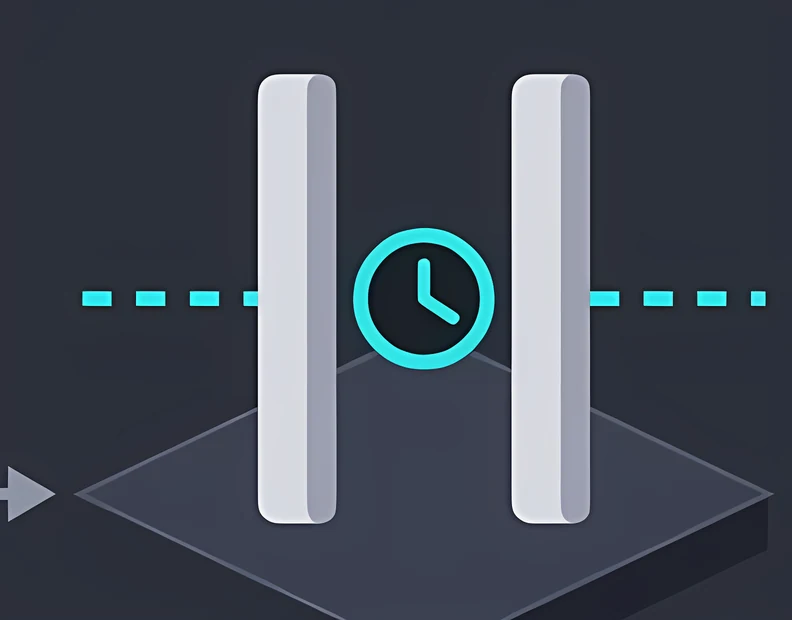
We strongly recommend setting up multifactor authentication the first time you enter your Vault. Once MFA is active, you can add, organise or remove files as needed. Access time is limited to 45 minutes for your safety. If you need longer, simply request an extension.

Set Up MFA & Manage Your Files

We strongly recommend setting up multifactor authentication the first time you enter your Vault. Once MFA is active, you can add, organise or remove files as needed. Access time is limited to 45 minutes for your safety. If you need longer, simply request an extension.

Firevault — Disconnect to Protect® 
Vault — The Secured Offline Digital Safety Deposit Box. 

Ultimate Security with VaultThe Offline Protection That Eliminates Your Biggest Risks

vault

If data is online, it can be scanned, stolen or locked. Cloud and network storage are always discoverable, giving attackers endless ways to probe, phish and ransom. Vault removes that exposure entirely. Your most important files stay offline, encrypted, and on storage you control — leaving nothing online for criminals to find or exploit.

0 k

Director Liability

When customer data is exposed, UK directors can face personal fines of up to £500,000. Keeping board papers, governance files and sensitive records offline in your Vault removes this liability at the source.

0 k

Average Personal Fraud

84% of breaches lead to fraud, costing victims around £21,500. By keeping ID documents and financial files offline, your information never appears in stolen data sets traded by criminals.

Controlled Access That Stops Costly Mistakes

Your vault isn’t sitting online waiting to be found. It only connects when you open it. No always-on shares, no exposed drives and no accidental oversharing — just airtight offline control that prevents the slip-ups attackers rely on.

A dark grey circle with a stylised, abstract design inside, featuring bold pink and white curved arrow shapes forming a circular, partially open pattern—symbolising Firevault’s secured offline data storage.
Identity-Locked Access That Makes Stolen Passwords Useless

Passwords leak all the time. With Vault, that doesn’t matter. Access is tied to your verified device, your Safe Word and your approval — so stolen credentials, reused logins or phishing attempts can’t open your vault.

Offline Data That Makes Ransomware Powerless

Ransomware only works when it can reach your files. Vault keeps your documents, contracts and personal records encrypted and offline on drives you own. When your network is hit, your vault stays untouched — ready to restore from.

A dark circle with a pink arrow pointing upwards, starting from the bottom centre and forming a ring around a white circle in the middle, symbolises secured offline digital vault. The background is light grey.
White vault text in lowercase followed by a geometric vault icon, all on a light grey background—symbolising disconnecting data to protect assets.
Watch video Watch video
For HNWIs

Protect wealth, investment files, tax records, and personal correspondence from exposure.

For Individuals

Safeguard ID scans, medical documents, and private files that should never be online.

For Stakeholders

Secure board papers, shareholder agreements, and confidential commercial strategies.

Storage For Industries

Isolate intellectual property, R&D, supply chain data, and operational control systems.