What Is Offline Secure Storage?
A managed platform built on physical hardware, in physical locations, physically stored and physically disconnected. Designed to put you and your data first.
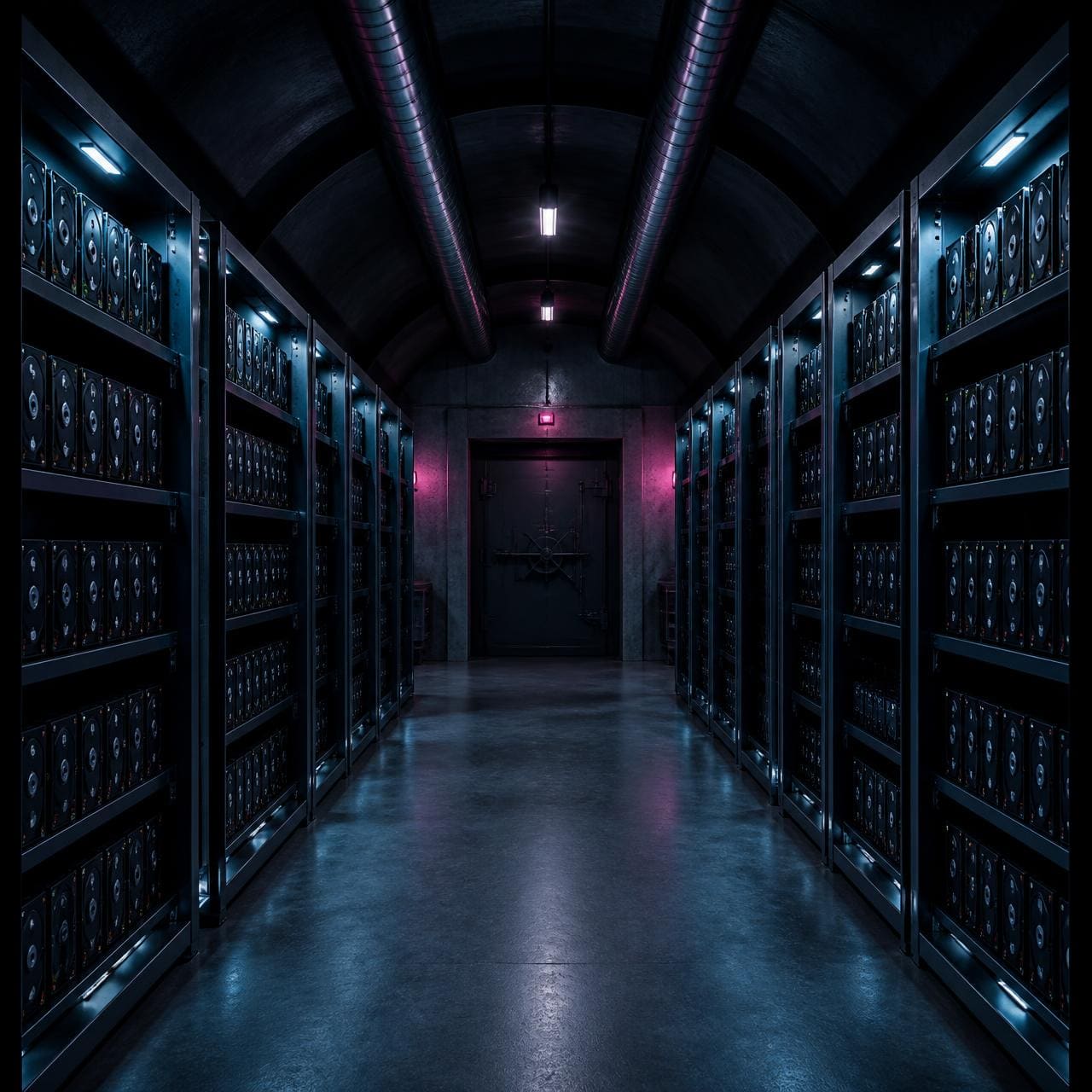
Secure by Design, Offline by Default
Offline secure storage is not another software layer. It is a fundamental architectural change that removes the attack surface entirely.

Physical Control
Offline secure storage puts control back in human hands, not software schedules or permanent network connections. You decide when your data can be accessed, by whom, and for what purpose.
- Human-driven decisions
- Time-limited access windows
- Intentional connection only

Physical Disconnect
The storage is physically separated from networks. No internet connection. No IP address waiting to be scanned. No remote attack surface. When disconnected, it is disconnected in the truest sense.
- No IP address
- No network interface
- Layer 1 physical air gap

Physical Storage
Your data sits on real, dedicated hardware. Actual drives, not abstract cloud volumes or shared infrastructure. This removes the risks that come with multi-tenant platforms and virtualised environments.
- Dedicated hardware
- No shared infrastructure
- Hardware-level encryption

Firevault Bunkers
Those drives live in Firevault Bunkers, carefully selected colocation facilities with defined entry rules, identity checks, and audit trails. You know where your data is and how it is protected.
- Firevault Bunkers
- Identity-verified access
- Complete audit trail
Secure by Design. Offline by Default.
Logical air gap or physical air gap
The term air gap is used loosely. Most vendor definitions describe logical isolation, which is segmentation and policy applied to a system that remains connected. A physical air gap means the cable is not there. The distinction decides what survives a bad week.
Layers 2 to 7. Firewall rules, VLANs, subnets, storage policies and hypervisor configuration.
Layer 1. The electrical path itself is open or it is not. There is no rule to interpret.
Yes. The system holds an address, answers on an interface and can be discovered and scanned.
No. When disconnected there is no interface, no address and nothing to enumerate.
Misconfiguration, privilege escalation, stolen administrator credentials, a zero day in the control plane.
It cannot be reconfigured from the network, because the network cannot see it.
Anyone who reaches the management plane, including an attacker holding domain or hypervisor rights.
An authorised out-of-band command only. The control path never shares the data path.
Immutability and retention locks are policy. Policy lives in software that the attacker is trying to own.
The copy that matters was not connected while the estate was compromised.
A configuration snapshot, which is only as good as the last change nobody reviewed.
A connection record. Who opened the path, when it opened, when it closed.
Why logical air gaps fail at Layer 1
Segmentation is still a network
A VLAN, a separate subnet or a dedicated backup network is still a routed path with an address at the end of it. Segmentation limits who should talk to the target. It does not remove the target.
The control plane is the prize
Logical isolation is administered from a console. Once an attacker holds domain, hypervisor or storage administrator rights, the isolation is theirs to switch off, and it usually goes first.
Immutability is a software promise
Retention locks, worm modes and object lock are enforced by the same platform an intruder is working to control. A promise enforced in code can be revoked in code.
Layer 1 removes the dependency
Every technique above depends on a live physical link. Offline Secure Storage® breaks that link by default and restores it only for an authorised window, so the higher layers have nothing to act on.
A logical air gap asks software to refuse a connection. A physical air gap means there is no connection to refuse.
Immutable but connected, or Firevault offline
Immutable storage is a valuable control and it is not a substitute for offline vaulting. Immutability promises that a reachable copy will not change. Offline vaulting means the copy is not reachable at all. The two answer different questions, and serious estates run both.
Data cannot be altered or deleted for a retention window. The window is defined, applied and enforced in software.
Data cannot be reached at all while the instance is offline. There is no interface to send a write, a delete or a retention change to.
Connected. The repository, appliance or bucket holds an address and answers on an interface so that backups can land.
Physically disconnected at Layer 1 by default. Connected only inside an authorised, logged window.
Anyone who reaches the management plane with sufficient rights, including an attacker holding storage, backup or cloud administrator credentials.
An authorised out-of-band command only. The control path never shares the data path with production.
Retention shortened or disabled, versioning switched off, keys revoked, new repository substituted, or the attacker simply waits out the lock period.
Remote techniques do not apply. Defeating it requires physical presence inside a Firevault Bunker with identity verification.
High. Immutability is administered through the same directory, tenancy or console that the intruder is working to control.
None while offline. The stored copy does not depend on your directory, tenancy or console remaining trustworthy.
Usually on the same control plane as the protected data, so the audit record shares the blast radius.
On a separate management plane. Who opened the path, when it opened and when it closed, held away from the estate.
Fast operational recovery from deletion, corruption and contained ransomware events.
The clean gold copy of last resort for the data the organisation cannot lose.
Why immutability alone is not offline
A locked copy is still a reachable copy
Hardened repositories, WORM appliances and object lock buckets all have to be reachable so that backup jobs can write to them. Reachable means enumerable, addressable and in scope for a remote attacker who already holds credentials.
The console decides the policy
Immutability is configuration. Configuration is administered. An intruder with backup, storage or tenancy administrator rights can alter retention, disable versioning or point jobs at a new target before encryption starts.
Retention windows expire
A lock holds for a fixed period. Dwell times in serious intrusions frequently exceed the retention set on daily and weekly copies, so the clean version ages out while the attacker is still inside.
Disconnection removes the argument
Offline Secure Storage® does not ask software to refuse a change. While the instance is offline there is no path to carry one. Immutability protects a copy you can still reach. Offline vaulting keeps a copy nobody can reach.
Where each pattern actually sits
Vendor terminology varies. These are the common immutability patterns, described from their own documentation, alongside offline vaulting.
Object lock and WORM buckets
Object level retention in cloud object storage prevents overwrite for a set period. It remains a live service endpoint governed by tenancy permissions.
S3 Object Lock documentationHardened backup repositories
Backup platform patterns such as Veeam's hardened repository apply single-use credentials and immutability flags on a Linux host. The host still sits on the network to receive backups.
Veeam hardened repositorySafeguarded and isolated copies
Array level features such as IBM Safeguarded Copy create protected point-in-time copies inside the storage system. Protection is enforced by the array's own control plane.
IBM Safeguarded CopyOffline Secure Storage®
A dedicated instance in a Firevault Bunker with no active network path when idle. Reconnection is an intentional, identity-verified and logged event, never a software permission.
How #OSS worksImmutable storage promises that a connected copy will not change. Offline Secure Storage® means there is no connection to change it through.
See how offline secure storage compares to cloud, NAS, and immutable backup solutions, or explore what types of data should be secured offline.
Understanding Offline Security
Straight answers on how Offline Secure Storage® behaves in practice.
Explore why Offline Secure Storage® is different
The physical foundations, and what physical disconnection means for you.



Experience true offline security
See how physically disconnected storage keeps your data safe from every network-based threat.
From £360 a month including VAT. 36-month commitment. First payment at checkout.