


Firevault, offline secure storage, physically disconnected from the internet
Pricing
Colleagues meeting in a relaxed office lounge

Vault product emblem: white OSS ring on magenta with a two-drive Vault unitVaultDigital Safe Deposit Box™

Your data is valuable. Why leave it exposed?

Years of hard work, sensitive records, intellectual property and information your business cannot afford to lose, leak or have stolen.

Yet much of it remains connected through shared drives, cloud folders and backups, where cyberattacks, human error and deliberate misuse can put it at risk.

What if you took a different approach to protecting your data?

2TB, 4TB or 8TB, from £360 a month inc VAT.

What happens when

It starts with one password. By lunchtime, it is everything connected.

Most incidents are not dramatic. Someone signs in with a password that is not theirs, and everything on the network is within reach.

  1. A password is stolen.

    A convincing email, a reused password or a supplier account. Nothing looks wrong yet.

  2. Everything is visible.

    Shared drives, cloud folders and the backups on the same network all appear to the attacker.

  3. Copied, then encrypted.

    Client files and board papers are taken first. Then the ransom note arrives.

Everything connected was in reach. The question is what was not.

See recent breaches
  • 2025Co-op: data of 6.5 million members stolen
  • 2025Jaguar Land Rover: production stopped for around five weeks
  • 2025Legal Aid Agency: applicants’ personal and financial data taken

What a Vault is

Your most important records, kept where the network cannot reach.

Vault gives your most valuable data its own dedicated digital safe deposit box, physically disconnected and offline by default.

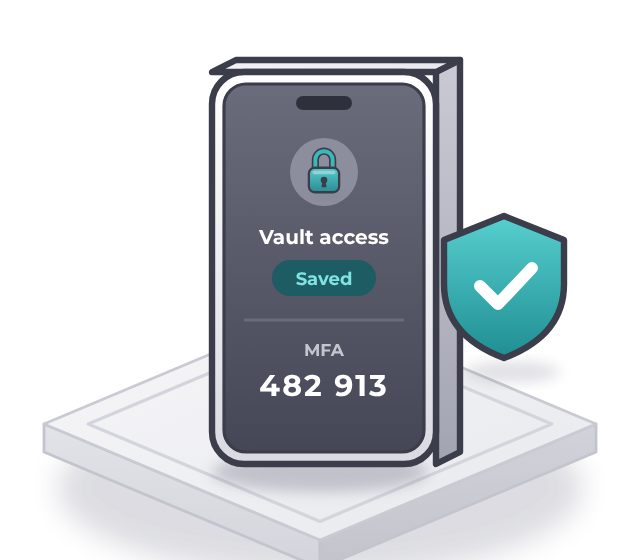
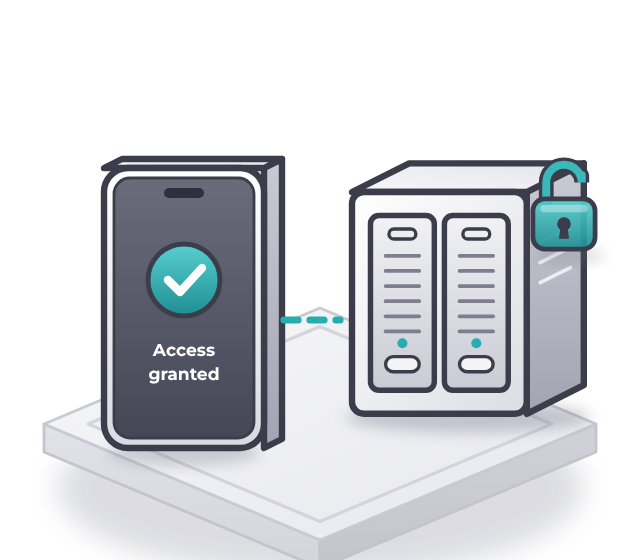
You decide when to connect. Access is authorised through a separate, non-IP control process, and when you are finished, the connection is physically broken again.

No standing network connection. Your data stays offline until you need it.

  • Dedicated to one person

    Real drives, mirrored and assigned to one named person in your business. Never shared, never pooled.

  • Physically offline

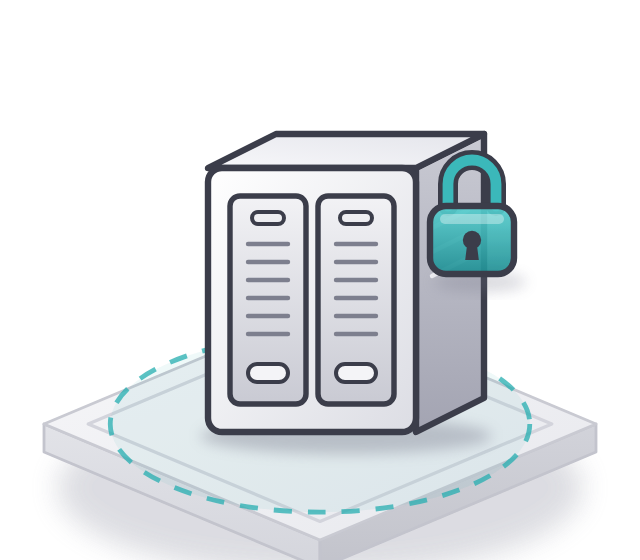
    Held in a Firevault Bunker and disconnected at the hardware level whenever it is closed.

  • Open when you need it

    24/7, from your registered phone, for a session of up to 120 minutes. Then it disconnects again.

What it changes

The morning after, what matters is still yours.

An incident is still an incident. The difference is that the records you need to keep going were never part of it.

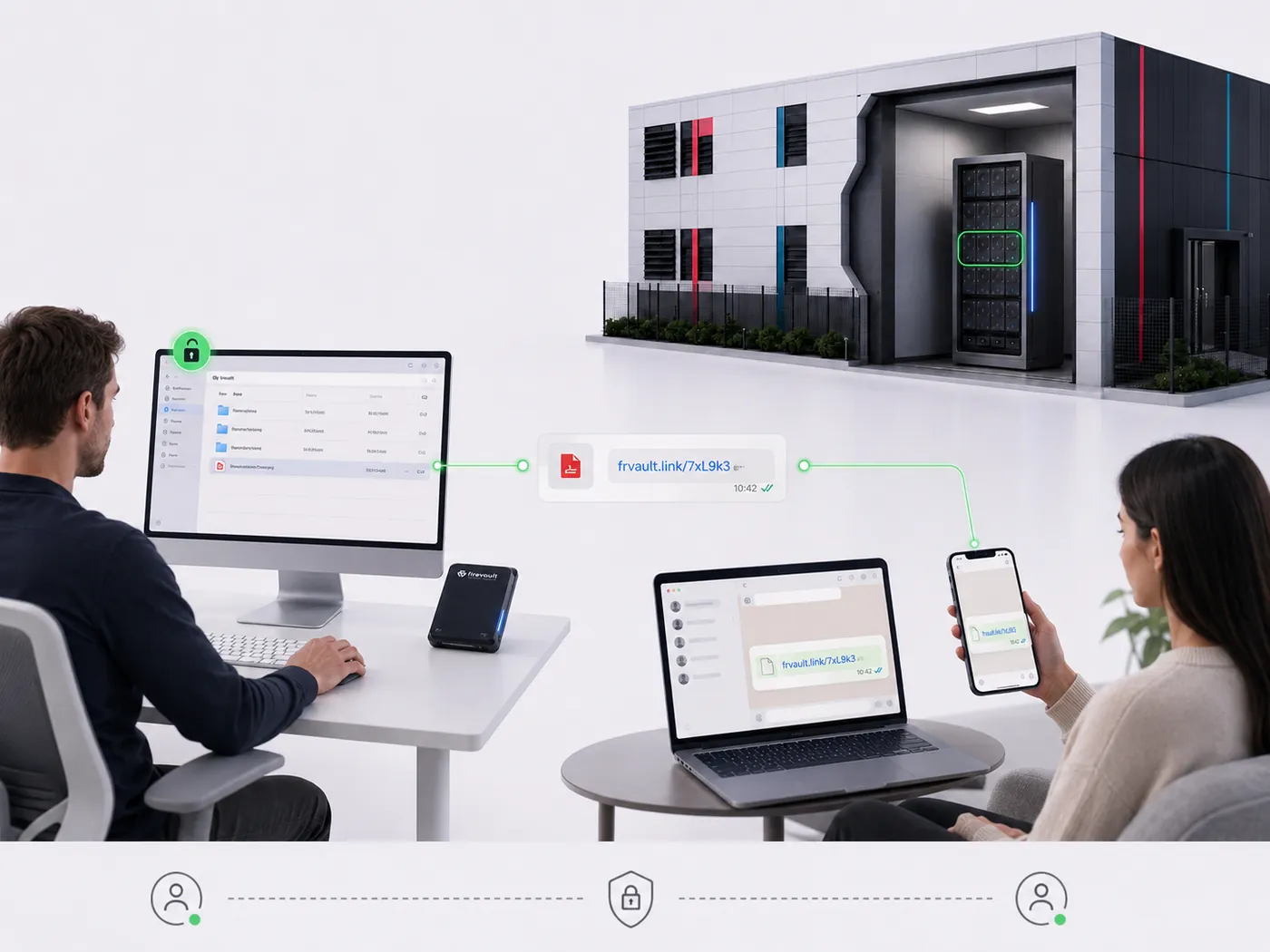
A Vault holder working in File Manager at a desk, approving access on a phone

Keep working. Keep your promises.

  • The contracts, client files and board papers you rely on were on drives that were physically disconnected when it happened
  • You recover from a copy the attacker never saw
  • You can tell clients, insurers and regulators exactly where those records were
  • Your team keeps working the way it does today
Choose your Vault

Could that be you?

Three businesses. Three ordinary mornings.

A founder, a law firm and a logistics group. Different sizes, the same moment: an attacker reached their connected data.

Switch between the two endings.

Photographic portrait illustrating James’s scenarioPhotographic portrait illustrating James’s scenarioExposedMonday, 09:12

JamesFounder, growing tech start-up

The moment

He is about to meet investors.

His IP, contracts and investor papers sit inside the same connected environment as everything else.

The round stalls.

Someone with a stolen password reaches the cap table, IP and board papers before the meeting.

The crown jewels stay offline.

A protected copy sits outside that environment, in his 2TB Vault.

Vault 2TB


Photographic portrait illustrating Emily’s scenarioPhotographic portrait illustrating Emily’s scenarioExposedTuesday, 02:14

EmilyIT lead, 100-person law firm

The moment

There is a ransom note on every screen.

The file shares and connected backups are caught in the incident too.

Client files are exposed.

The firm has to tell its clients and the regulator.

The privileged files were not on that network.

The protected copy was physically offline, away from the attack, in an 8TB Vault.

Vault 8TB
Photographic portrait illustrating David’s scenarioPhotographic portrait illustrating David’s scenarioExposedMonday, 07:00

DavidCEO, regional logistics group

The moment

The live database has gone.

An attacker has taken data and deleted it. Connected recovery systems are part of the incident.

There is nothing clean to restore.

Every connected copy went with the live system.

A clean copy to recover from.

The recovery copy was not on that path. The business still has a copy to work from.

Storage

James, Emily and David are illustrative. Our customer story is real.

Who holds a Vault in your business

Directors and boardBoard papers

Board packs, deal documents and the shareholder register.

PartnersClient files

Privileged client files and completed matters.

FinanceFinancial records

Ledgers, accounts and the evidence behind them.

HREmployee records

Contracts, personnel files and sensitive cases.

Available today

Three sizes. One protection model.

Every Vault has the same protection and 24/7 access. Capacity is the difference, and the 8TB Vault adds a dedicated account manager.

Prices shown inc VAT

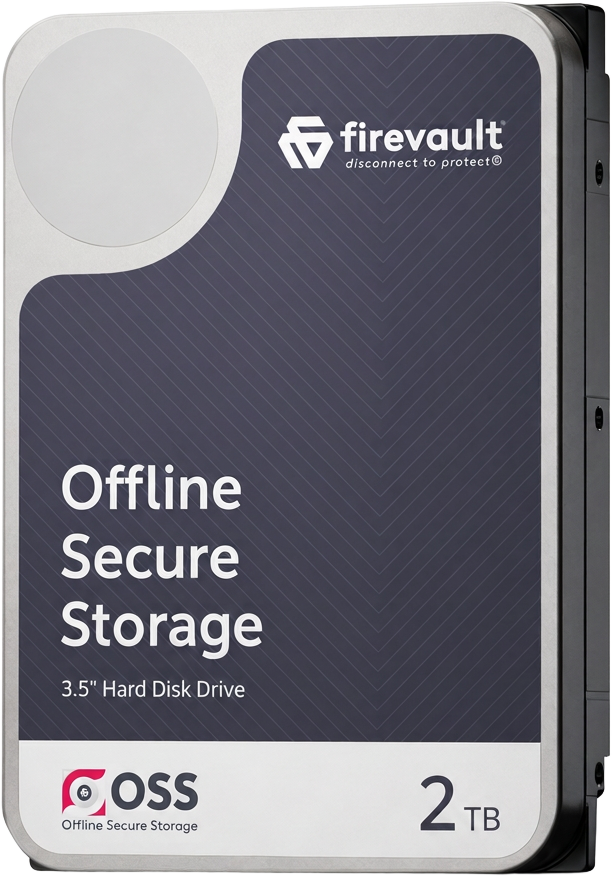
Firevault 2TB Offline Secure Storage driveVault 2TBHolds about 500,000+ photos or 4M+ documents

£360a month inc VAT

Founders, directors and small teams

  • 2TB of dedicated physical storage
  • 24/7 on-demand access
  • Identity-locked access with MFA
  • File Manager and File Share
  • Vault Buddy and Vault Spare
  • Setup and ongoing support
Create your 2TB VaultAsk a question
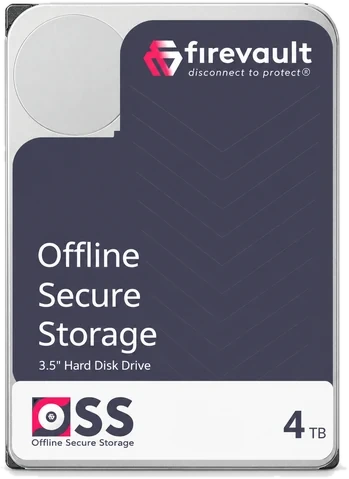
Firevault 4TB Offline Secure Storage hard driveVault 4TBHolds about 1,000,000+ photos or 8M+ documents

£480a month inc VAT

Professional firms, partners and client-heavy businesses

  • 4TB of dedicated physical storage
  • 24/7 on-demand access
  • Identity-locked access with MFA
  • File Manager and File Share
  • Vault Buddy and Vault Spare
  • Setup and ongoing support
Create your 4TB VaultAsk a question
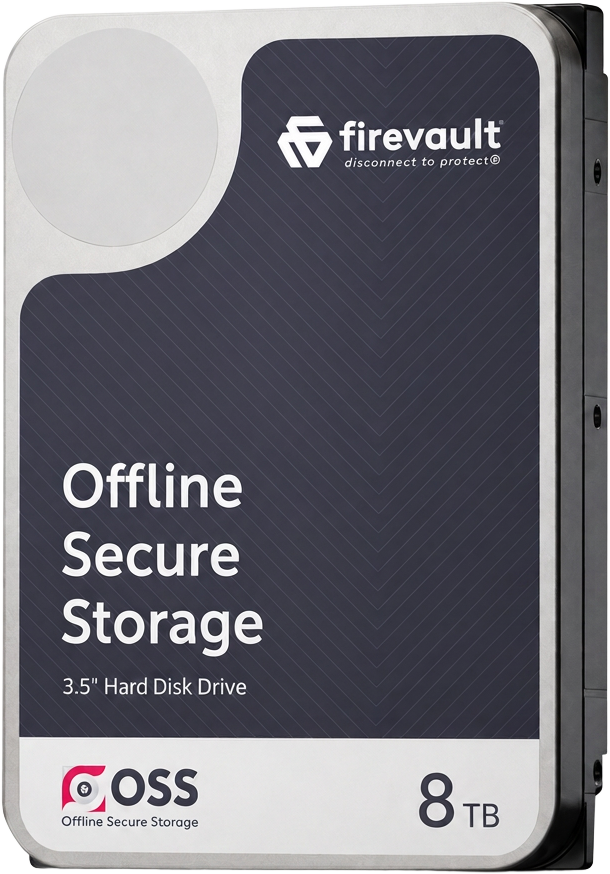
Firevault 8TB Offline Secure Storage driveVault 8TBHolds about 2,000,000+ photos or 16M+ documents

£600a month inc VAT

Larger data estates and high-value business records

  • 8TB of dedicated physical storage
  • 24/7 on-demand access
  • Identity-locked access with MFA
  • File Manager and File Share
  • Vault Buddy and Vault Spare
  • Setup and ongoing support
  • A dedicated account manager
Create your 8TB VaultAsk a question
Storage product emblem: white OSS ring on blue with a storage rackStorageFrom 20TB, for the organisation

Quotedin a written proposal

When one person’s Vault is not enough.

  • 20TB to 300TB, in fixed 20TB blocks
  • SFTP, REST API and backup workflows
  • Scheduled, on-demand or event-triggered windows
  • Firevault Bunker, on premises or hybrid
See StorageRequest a storage design
Why 36 months

Firevault buys physical drives and allocates them to you alone. Every Vault is on a 36-month commitment, and your first payment is taken at checkout, with subsequent payments on the 5th of each month.

At the end of the term

Renew month by month, retrieve your physical drives, or move up to a larger Vault, with migration of your stored data included where agreed.

A carer sitting with a smiling resident in a care home lounge

From a customer

“I had full autonomy over the way the Vault was managed. They facilitated the requests I had and adapted to what our business needed.”

CEO, award-winning multi-site UK care provider
Read their story
  • Cyber Essentials PlusConfirm current certificate status, scope and validity with Firevault.
  • Firevault BunkersProfessionally managed Firevault Bunkers: Europe live, US and Middle East next, with three independent entry checks and 24/7 monitoring.
  • One Vault per personAccess is tied to one verified identity, never a shared login.
  • Setup and supportIncluded with every Vault, from setup onwards.

How it works

Offline by default. Open in a few taps.

There is no standing path to your Vault. One is made for a verified, time-bound session, then removed.

Illustration of an identity card verified by a shield
01 CreateCreate your Vault

Identity and security checks, then your drives are allocated in a Firevault Bunker

Read the details

What stays as it is

  • Microsoft 365, file servers and SaaS stay where they are
  • Your backups keep running as they do now
  • Your team’s everyday tools and ways of working
  • Your network: there is nothing to install

In every Vault

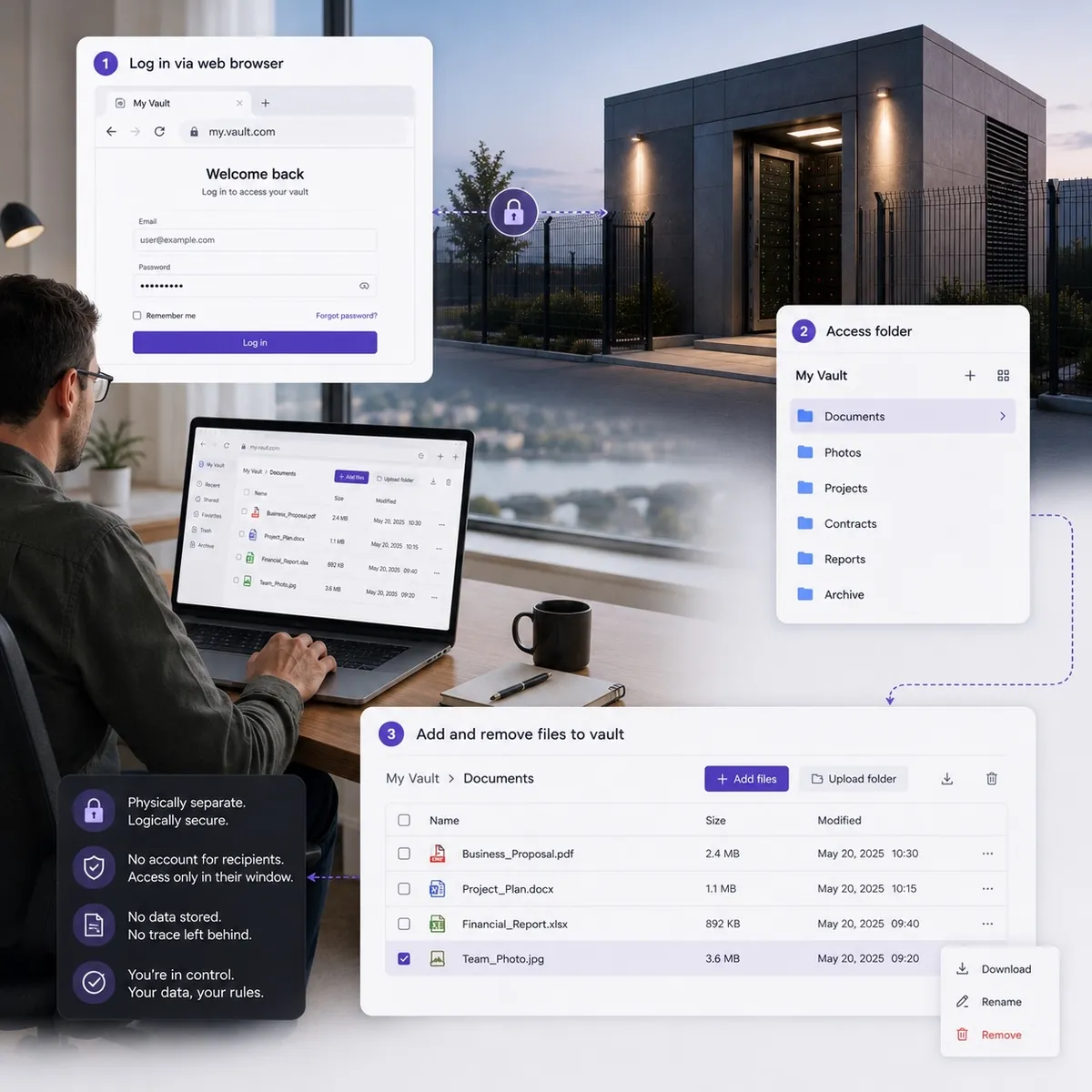
File Manager on a laptop and phone, with folders and recent files

File Manager iconFile Manager

Work in your Vault from any browser.

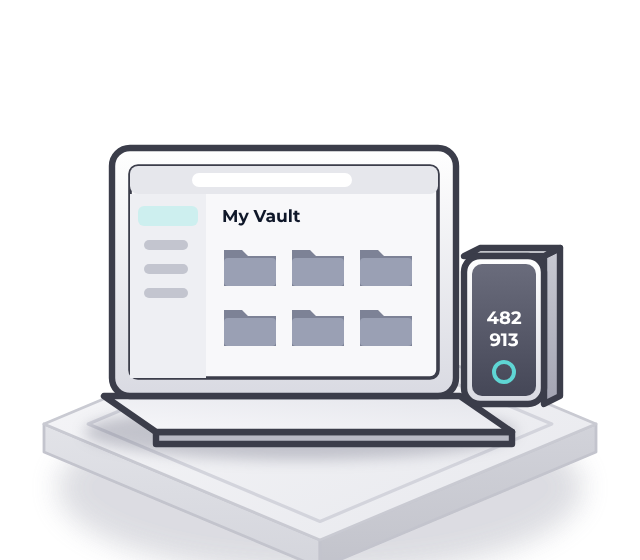
Upload, organise, search and download during a session, on a desktop, laptop, tablet or phone. There is no sync client, agent or mapped drive to install.

  • Nothing to install
  • Every session logged
  • Up to 120 minutes
Explore File Manager
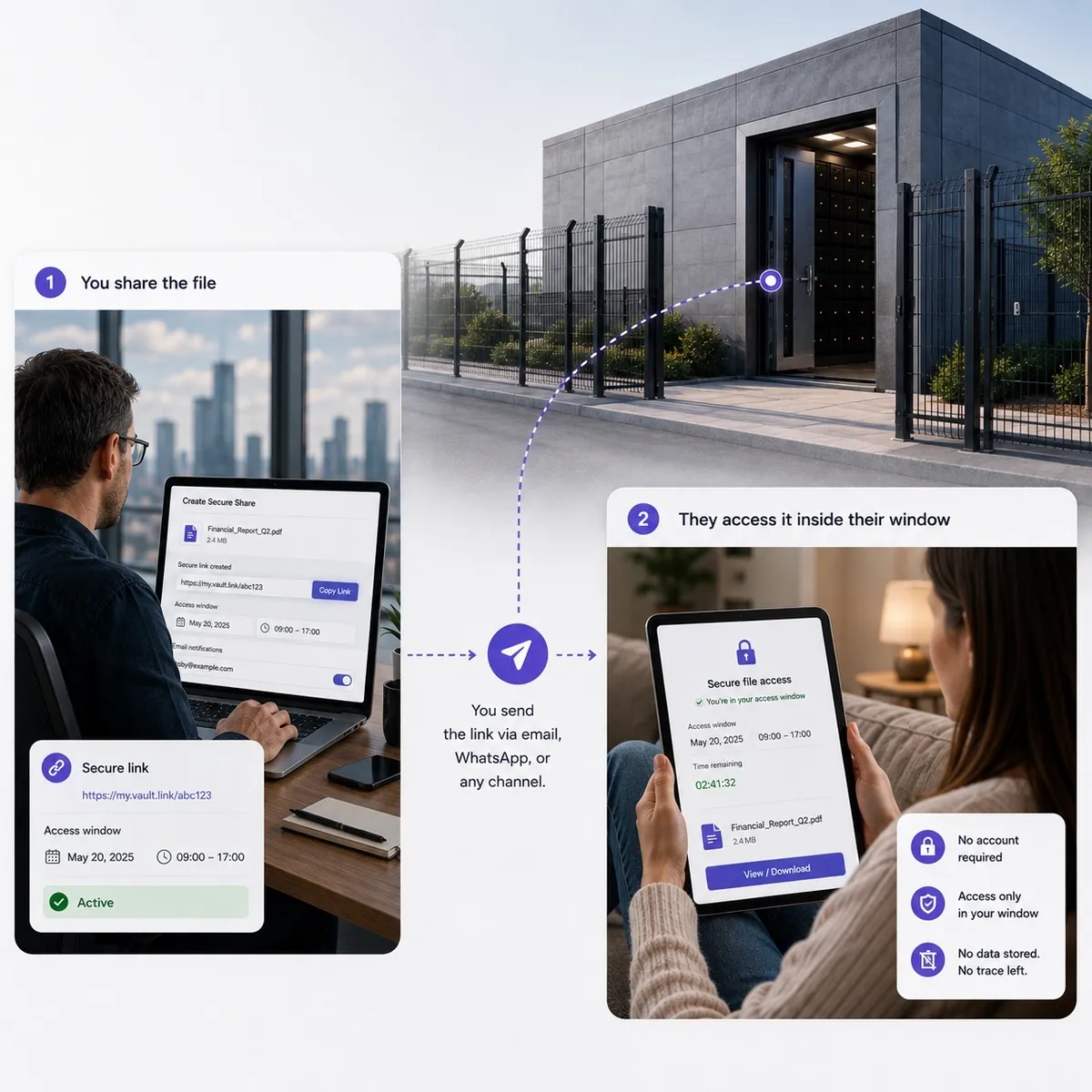
A file shared from the Vault with a time-boxed link, opened by the recipient on a tablet

File Share iconFile Share

Share one record, not the whole Vault.

Create a time-boxed link to one file or folder, with an optional password sent separately. See when it is opened and revoke it at any time. Links only work while your Vault is connected.

  • Time-boxed links
  • Revoke at any time
  • Every share logged
Explore File Share
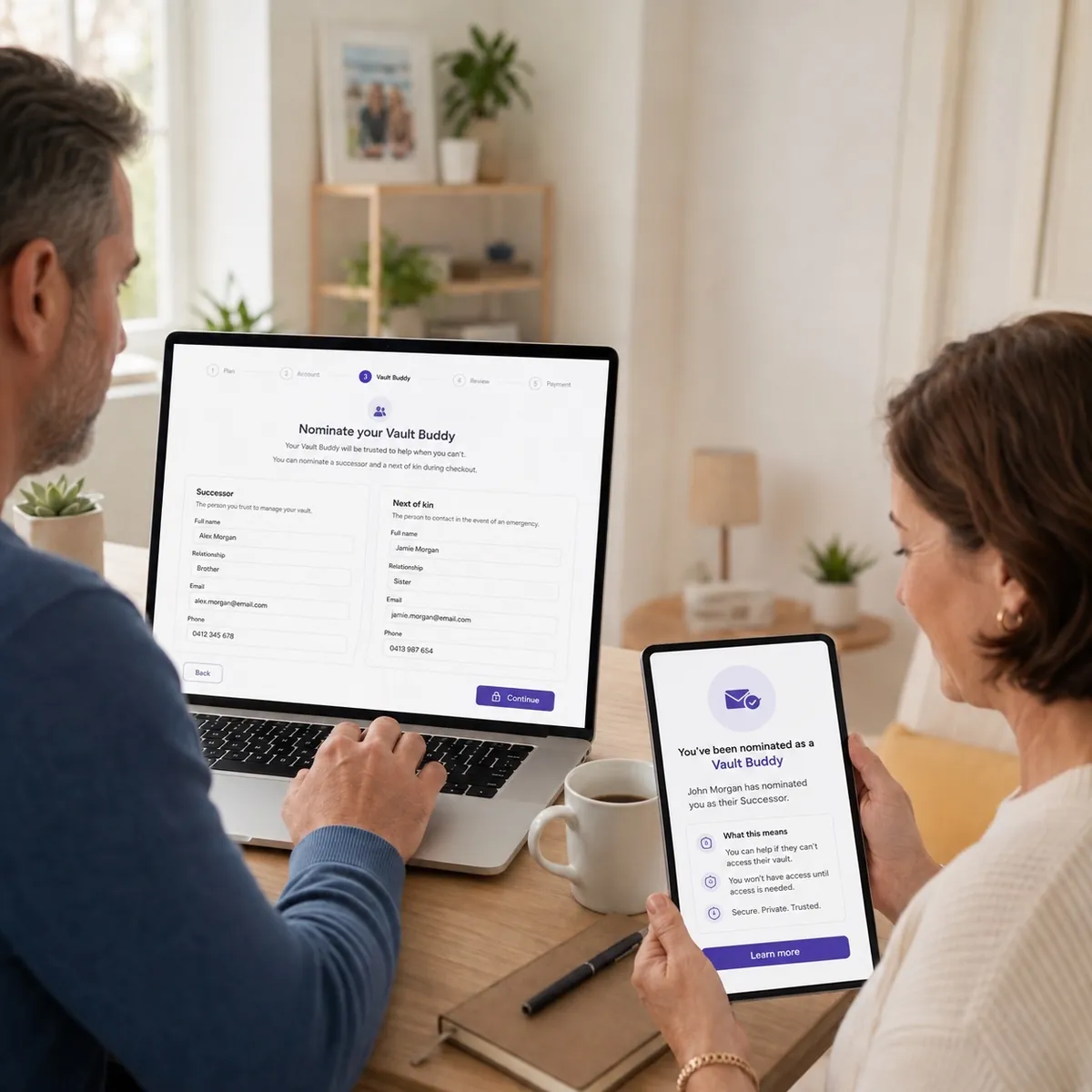
Two people at a laptop and tablet completing a Vault Buddy request

Vault Buddy iconVault Buddy

Continuity, planned in advance.

Nominate the person who can reach the Vault if the holder dies or loses capacity. They hold no credential until the event is evidenced and their identity is verified, and then only for a supervised window and the scope the holder set.

  • Identity verified
  • Evidence required
  • Supervised window
Explore Vault Buddy
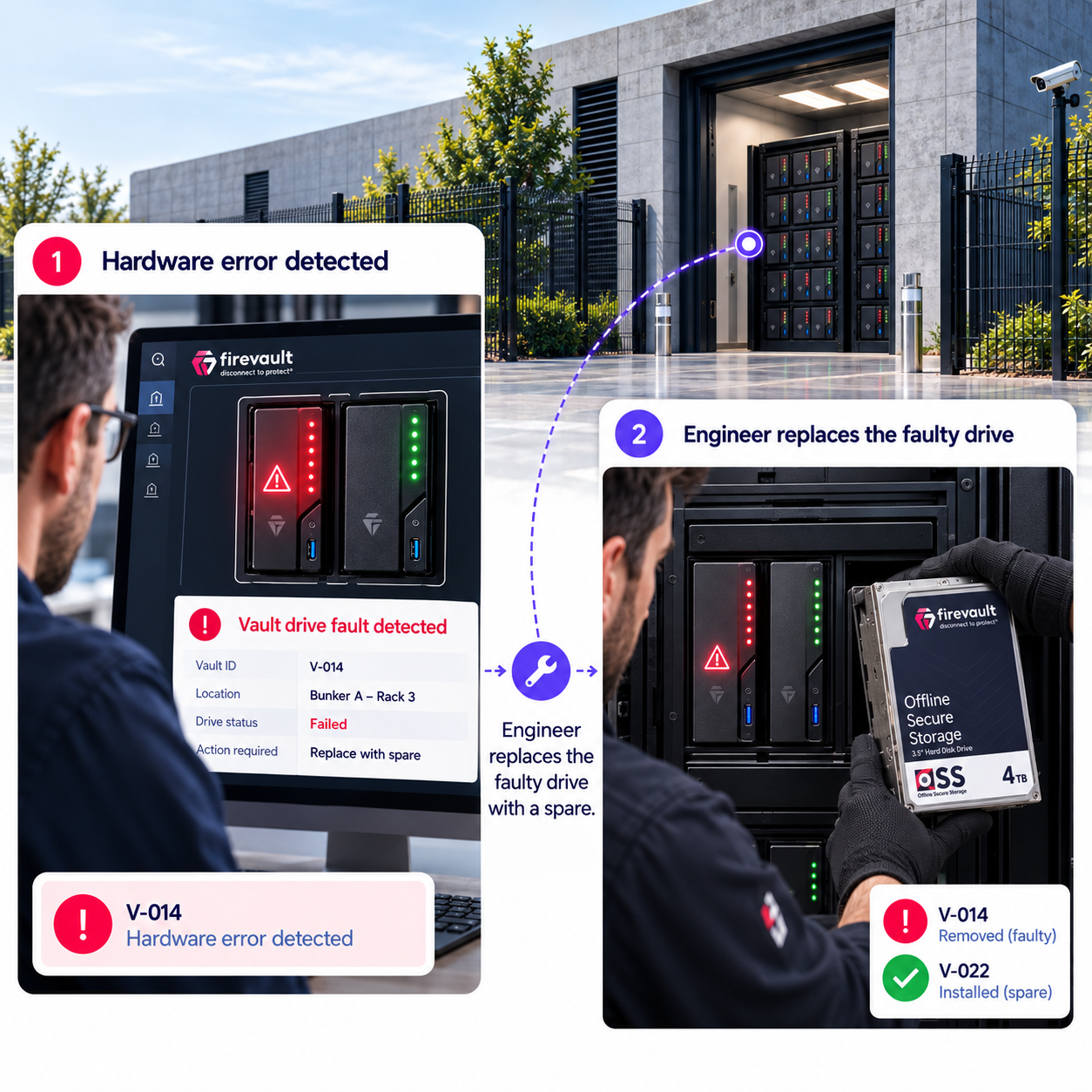
Vault Spare in action: a hardware error is detected on a Vault drive, and an engineer replaces the faulty drive with a spare in the Firevault Bunker

Vault Spare iconVault Spare

Access that carries on if a drive fails.

Every dedicated Vault has Vault Spare. If a fault stops it working correctly, access is designed to continue automatically, without waiting for an engineer. Failed drives are returned to you.

  • Mirrored drives
  • No engineer wait
  • Failed drives returned
Explore Vault Spare
For your technical teamWhat a Vault is and is not, and the full specification

What a Vault isNon-IP controlled

  • Dedicated physical drives in a Firevault Bunker, mirrored and assigned to one person
  • Physically disconnected at the hardware level (Layer 1) whenever it is closed
  • Opened by a command from the registered phone, outside the data path
  • Two-way access to files during an authorised session, then offline again
How physical control works

What a Vault is notNot another account

  • An always-connected cloud folder behind a login
  • A share of a pooled storage platform
  • Somewhere for everyday working files
  • A replacement for your live systems or backups
Why it is physically different
Capacity
2TB, 4TB or 8TB
Price
£360, £480 or £600 a month inc VAT (£300, £400 or £500 ex VAT)
Commitment
36 months. First payment at checkout; subsequent payments on the 5th of each month
Hardware
Dedicated physical drives, mirrored
Default state
Physically disconnected at the hardware level (Layer 1)
Access
24/7 on demand. A command from the registered phone, then credentials and MFA
Sessions
Up to 120 minutes, all logged
Location
Firevault Bunkers: Europe live, US and Middle East next, three independent entry checks including biometrics, 24/7 monitoring
Ownership
One Vault per person, identity verified
Tools
File Manager, File Share, Vault Buddy, Vault Spare
Support
Setup and ongoing support. 8TB adds a dedicated account manager
Smaller need
LUV: 300GB, opened on one nominated day each week. See LUV

Questions

Before you choose your Vault.

Want your board or IT team to see it first? Book a demo and we will walk them through it.

Will this change how our team works?

No. Your live systems, backups and everyday tools stay where they are. Only the person who holds the Vault learns one short routine: approve from their registered phone, sign in with MFA, work in File Manager, and the Vault disconnects again when the session ends.

Can I reach it whenever I need it?

Yes, 24/7. Authenticate and the physical route is enabled for a session of up to 120 minutes, then removed.

How do I choose between 2TB, 4TB and 8TB?

Start with what you cannot afford to lose. 2TB holds about 500,000 photos or 4 million documents, 4TB twice that and 8TB four times. The 8TB Vault adds a dedicated account manager. Beyond 8TB, Storage starts at 20TB.

Can a team share one Vault?

No. Each Vault belongs to one person. If several people need their own access, each has their own Vault. The OSS Concierge can help you decide who needs one and which size suits each person.

Does it replace our backups or cloud storage?

No. Your live data stays connected. The Vault holds the copy you need if those systems are compromised, alongside the tools you already use.

What if a drive fails?

Your drives are mirrored and Vault Spare is designed to keep access going automatically. Failed drives are returned to you.

When is the first payment taken?

At checkout. Subsequent payments are taken on the 5th of each month. Every Vault is on a 36-month commitment.

Use cases

Also used for.

Personal and high-profile records that belong on this product.

  • Personal records

    Passports, wills, property deeds, insurance, medical and financial records: the documents that do not need to stay online, available when you need them and disconnected when you do not.

  • Passwords and crypto keys

    Master passwords, crypto seed phrases and recovery keys held on physically disconnected hardware rather than on a device or service that is always online.

  • Athletes

    Contracts, medical records, financial files and personal material. For athletes and their advisers a single leak is permanent, so the most sensitive files should not remain continuously reachable.

  • Public figures

    Contracts, passports, medical records and personal files for people in the public eye, kept physically disconnected so they cannot be reached through a compromised account.

  • Teams

    One Vault per person for boards, deal teams and research teams. Each seat is its own physically disconnected Vault, from £360 per month inc VAT per seat.

Your next step

Choose what goes in your Vault first.

Start with the records your business could not rebuild. Your team keeps working as it does today.

    Get started