


Hardware
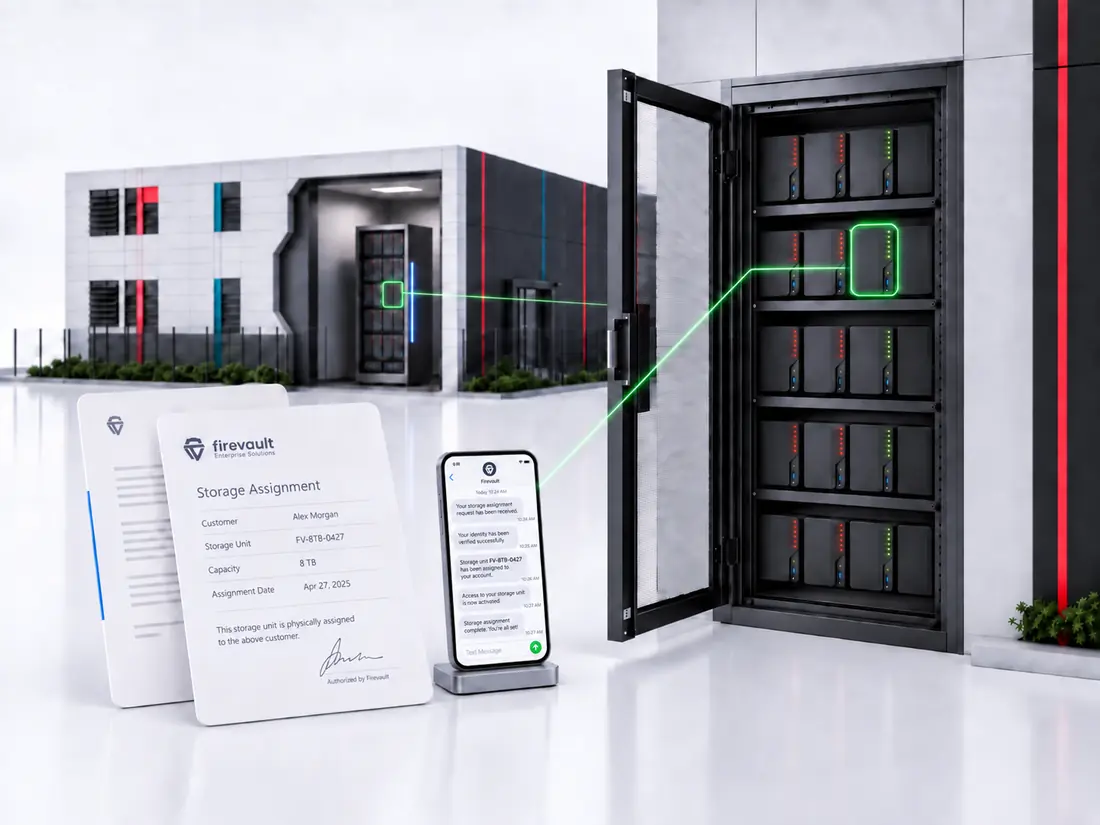
Dedicated hardware, assigned to you.

 OSS® (#OSS)
Offline Secure Storage® holds your most important data on hardware that is physically disconnected by default. Start with the need you have, the industry you work in, or the job you are trying to do.
As featured in
'%3e%3cpath%20fill='%23E40784'%20d='M141.363%2026.6a5.905%205.905%200%200%201-5.899-5.9%205.905%205.905%200%200%201%205.899-5.895%205.901%205.901%200%200%201%205.895%205.895%205.9%205.9%200%200%201-5.895%205.9Zm0-8.347a2.448%202.448%200%200%200%200%204.895%202.449%202.449%200%200%200%202.447-2.448%202.449%202.449%200%200%200-2.447-2.447ZM141.363%200c-.821%200-1.638.052-2.447.144v3.731a16.897%2016.897%200%200%201%202.447-.177c9.373%200%2017.002%207.626%2017.002%2017.002%200%20.825-.063%201.642-.177%202.448h3.732c.095-.81.143-1.627.143-2.448%200-11.411-9.285-20.7-20.7-20.7Z'/%3e%3cpath%20fill='%23E40784'%20d='M141.363%207.268c-.825%200-1.645.077-2.447.228v3.787a9.733%209.733%200%200%201%202.447-.313c5.369%200%209.734%204.368%209.734%209.734%200%20.832-.107%201.652-.313%202.447h3.783c.151-.802.228-1.623.228-2.447.004-7.412-6.024-13.436-13.432-13.436Z'/%3e%3cpath%20fill='%230F1729'%20d='M71.382%207.537h-2.84a5.82%205.82%200%200%200-5.815%205.818v9.785h4.037v-9.789a1.78%201.78%200%200%201%201.777-1.777h2.841V7.537ZM80.539%2019.1a3.787%203.787%200%200%201-3.783-3.784%203.787%203.787%200%200%201%203.783-3.783%203.787%203.787%200%200%201%203.783%203.784%203.787%203.787%200%200%201-3.783%203.783Zm0-11.6c-4.313%200-7.82%203.507-7.82%207.82%200%204.313%203.507%207.82%207.82%207.82%201.372%200%202.66-.357%203.78-.982v.982h4.036V15.32c.004-4.313-3.503-7.82-7.816-7.82ZM41.806%2018.71a5.512%205.512%200%200%201-4.34%202.1%205.55%205.55%200%200%201-5.541-5.541%205.55%205.55%200%200%201%205.542-5.543c1.696%200%203.279.766%204.339%202.102l.088.114%201.656-1.656-.077-.092a7.865%207.865%200%200%200-6.01-2.797c-4.339%200-7.871%203.533-7.871%207.872s3.532%207.871%207.871%207.871a7.865%207.865%200%200%200%206.01-2.797l.077-.091-1.656-1.656-.088.113ZM19.479%207.397c-4.34%200-7.872%203.53-7.872%207.872%200%204.342%203.533%207.871%207.872%207.871a7.883%207.883%200%200%200%207.205-4.71l.081-.18H24.15l-.037.058a5.543%205.543%200%200%201-10.05-1.873h13.2l.015-.11c.048-.357.073-.714.073-1.053%200-4.346-3.529-7.875-7.871-7.875Zm-5.417%206.705a5.54%205.54%200%200%201%205.417-4.376%205.54%205.54%200%200%201%205.417%204.376H14.06ZM46.192%2023.14h2.33v-8.847a4.599%204.599%200%200%201%204.593-4.592%204.599%204.599%200%200%201%204.592%204.592v8.844h2.33v-9.149h-.008a6.887%206.887%200%200%200-2.082-4.648%206.89%206.89%200%200%200-4.832-1.972%206.863%206.863%200%200%200-4.593%201.751V.545h-2.33V23.14ZM2.686%207.393H0v2.33h2.686v8.471a4.944%204.944%200%200%200%204.94%204.939h2.435v-2.33H7.625a2.613%202.613%200%200%201-2.609-2.612V9.726h3.772v-2.33H5.016V1.84h-2.33v5.553ZM101.968%208.457a7.721%207.721%200%200%200-2.547-.858c-.088-.014-.177-.03-.265-.04-.1-.011-.199-.022-.302-.03a9.993%209.993%200%200%200-.574-.029c-.022%200-.04-.004-.062-.004h-.037c-4.313%200-7.82%203.507-7.82%207.82%200%204.313%203.507%207.82%207.82%207.82h.037c.25%200%20.496-.014.743-.04l.037-.003a7.742%207.742%200%200%200%203.003-.939v.979h4.037L106.005.537h-4.037v7.92Zm0%206.863a3.788%203.788%200%200%201-3.769%203.78%203.786%203.786%200%200%201-3.76-3.78c0-2.08%201.688-3.772%203.764-3.78a3.787%203.787%200%200%201%203.765%203.78ZM119.75%2023.11h4.037V15.299c-.011-4.302-3.515-7.798-7.82-7.798-4.313%200-7.821%203.507-7.821%207.82%200%204.313%203.508%207.82%207.821%207.82%201.372%200%202.66-.357%203.783-.982v.953Zm-3.783-4.01a3.786%203.786%200%200%201-3.783-3.784%203.786%203.786%200%200%201%203.783-3.783%203.79%203.79%200%200%201%203.783%203.78v.003a3.787%203.787%200%200%201-3.783%203.784ZM132.273%207.5a5.824%205.824%200%200%200-5.818%205.818v9.822h4.037v-9.822a1.78%201.78%200%200%201%201.777-1.777h2.841V7.5h-2.837ZM173.736%2020.807a5.534%205.534%200%200%201-5.527-5.527%205.534%205.534%200%200%201%205.527-5.528%205.535%205.535%200%200%201%205.528%205.528%205.535%205.535%200%200%201-5.528%205.527Zm0-13.399a7.852%207.852%200%200%200-5.527%202.274V7.393h-2.344V30h2.344v-9.127a7.836%207.836%200%200%200%205.527%202.275c4.339%200%207.872-3.533%207.872-7.872s-3.533-7.868-7.872-7.868ZM186.735%2023.14h-2.385v-9.81a5.84%205.84%200%200%201%205.833-5.834h2.848v2.385h-2.848a3.45%203.45%200%200%200-3.448%203.448v9.811ZM202.813%209.774a5.535%205.535%200%200%200-5.528%205.528%205.535%205.535%200%200%200%205.528%205.527%205.534%205.534%200%200%200%205.527-5.527%205.534%205.534%200%200%200-5.527-5.528Zm0%2013.4c-4.339%200-7.872-3.533-7.872-7.872%200-4.34%203.533-7.872%207.872-7.872s7.872%203.53%207.872%207.872c0%204.339-3.533%207.871-7.872%207.871Z'/%3e%3c/g%3e%3cdefs%3e%3cclipPath%20id='a'%3e%3cpath%20fill='%230F1729'%20d='M0%200h210.68v30H0z'/%3e%3c/clipPath%3e%3c/defs%3e%3c/svg%3e)




What #OSS is
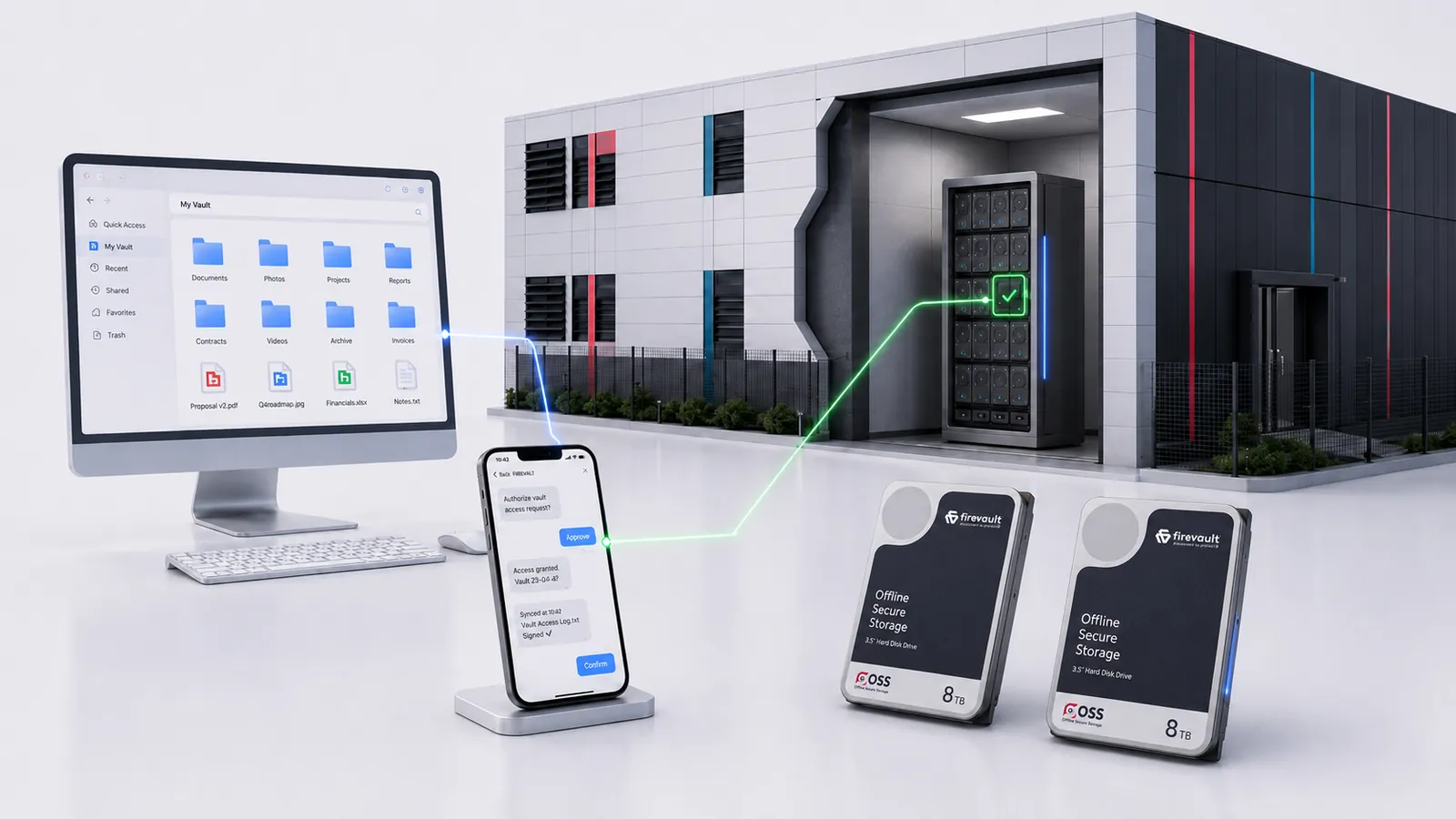
Ransomware, human error and insider access all need a connection to reach your data. Your data sits on Firevault hardware, offline by default, and reachable only when you approve access.
 Hardware
The data sits on physical Firevault hardware, not a shared cloud tenancy.
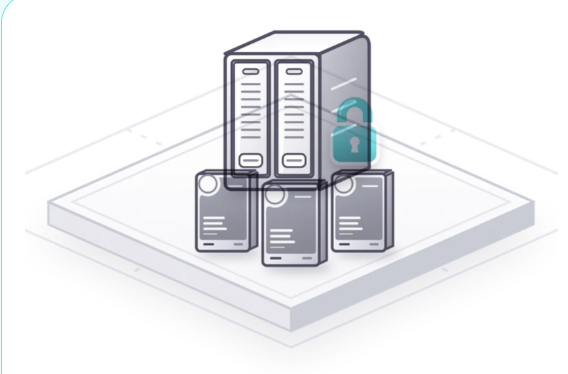 Disconnect
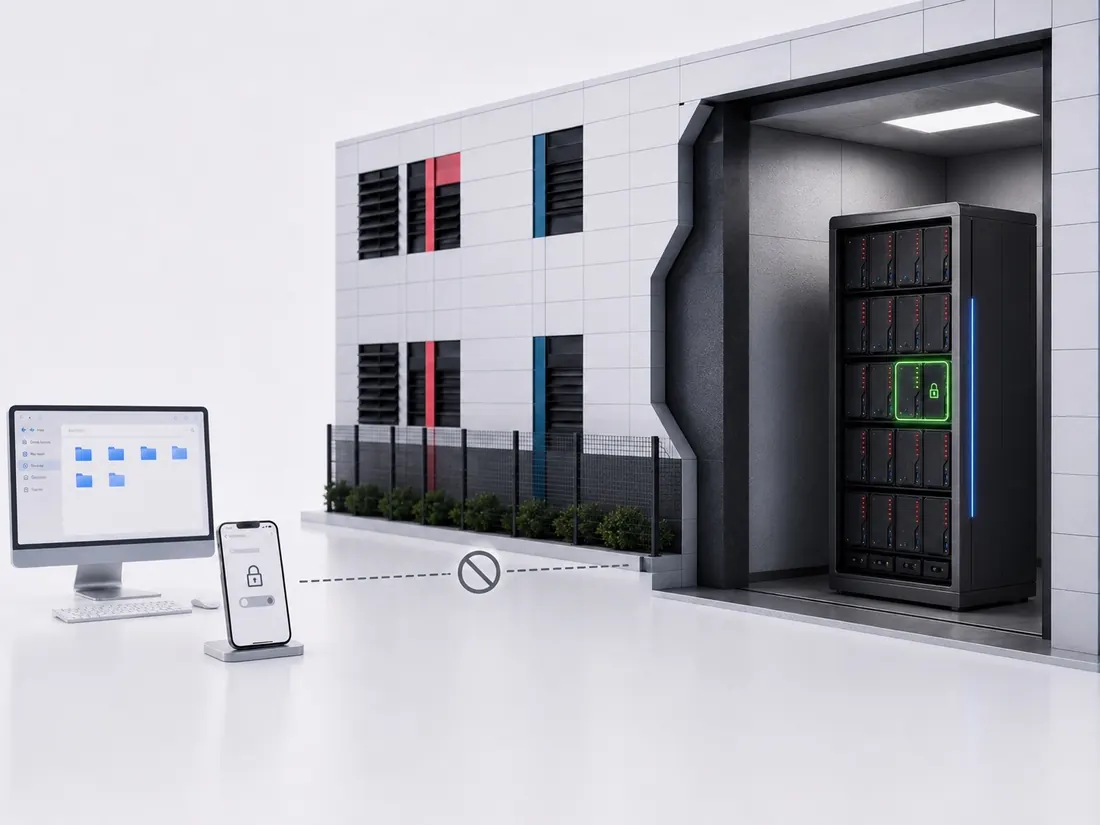
Offline by default. There is no standing network path in or out of the vault.
 Command
Access opens on your instruction, with identity verified and every session logged.
 Location
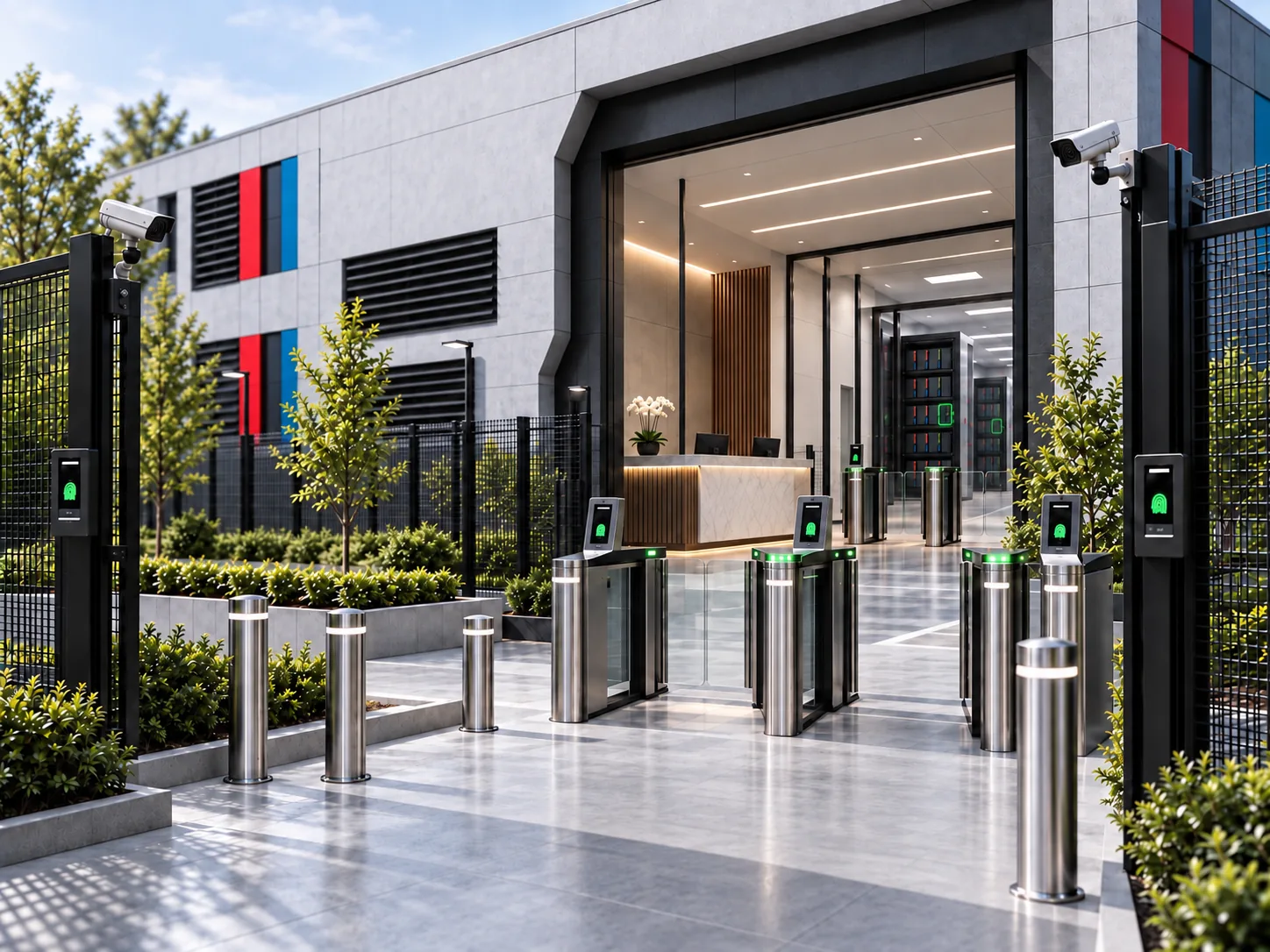
Held in a Firevault Bunker. Firevault provisions the location.
Hardware
Disconnect
Command
Location
The OSS difference
Cloud, NAS and immutable backup stay connected and defend that connection in software. OSS removes it between sessions.
Switch models, pick a step to compare, or run an incident through it.
What protects it
Firewalls, logins and monitoring defend a connection that’s always there.
There’s no standing network path. A route exists only for a session you open from your registered phone.
The route stays open, so the copy stays reachable.The route is removed, so the copy is out of reach by default.
By need
Five needs covering data and digital assets. Each one leads to the Offline Secure Storage® route built for it.
Business IP
Source code, designs, research and board papers.
ExploreRansomware
Recovery copies with no network path during an attack.
ExplorePersonal data
Retained personal records kept out of reach.
ExploreDigital assets
Preservation, control and verified handover.
ExplorePersonal records
Passports, wills, deeds and certificates held offline.
ExploreBy industry
Regulated sectors with concrete workflows, from legal privilege and clinical records to deal rooms and portfolio data.
By use case
From board records and gold-copy backups to identity documents and M&A deal rooms.
Protect board papers and governance records.
ExploreSecure offline gold copies.
ExploreTake customer data offline.
ExploreProtect passports and personal IDs.
ExploreSecure deal-sensitive documents.
ExploreProtect designs and trade secrets.
ExploreProtect wills, trusts and succession plans.
ExploreGolden images, OT ransomware recovery and safety-case evidence.
ExplorePlaybooks
Board-ready briefings for #OSS decision makers. Free to download after a quick identity check.
A board-level briefing on sovereign data, succession resilience and physical protection.
Read the playbookFile closure, retained records and offline custody for UK law firms.
Read the playbookQuestions
On dedicated hardware in a secure Firevault Bunker. For security, we do not publish Bunker locations.
Yes, and that is where many businesses start: an offline copy of the backups and files they could not replace. Your live systems stay online and run as normal.
Request access by text, verify it is you, and work in File Share for up to 120 minutes. Then it goes back offline.
You do. We are the infrastructure provider and we do not know your credentials.
No. Keep your cloud, your backups and your IT team. Firevault is the offline copy alongside them.
You nominate a Vault Buddy, a second trusted person who supports continuity.
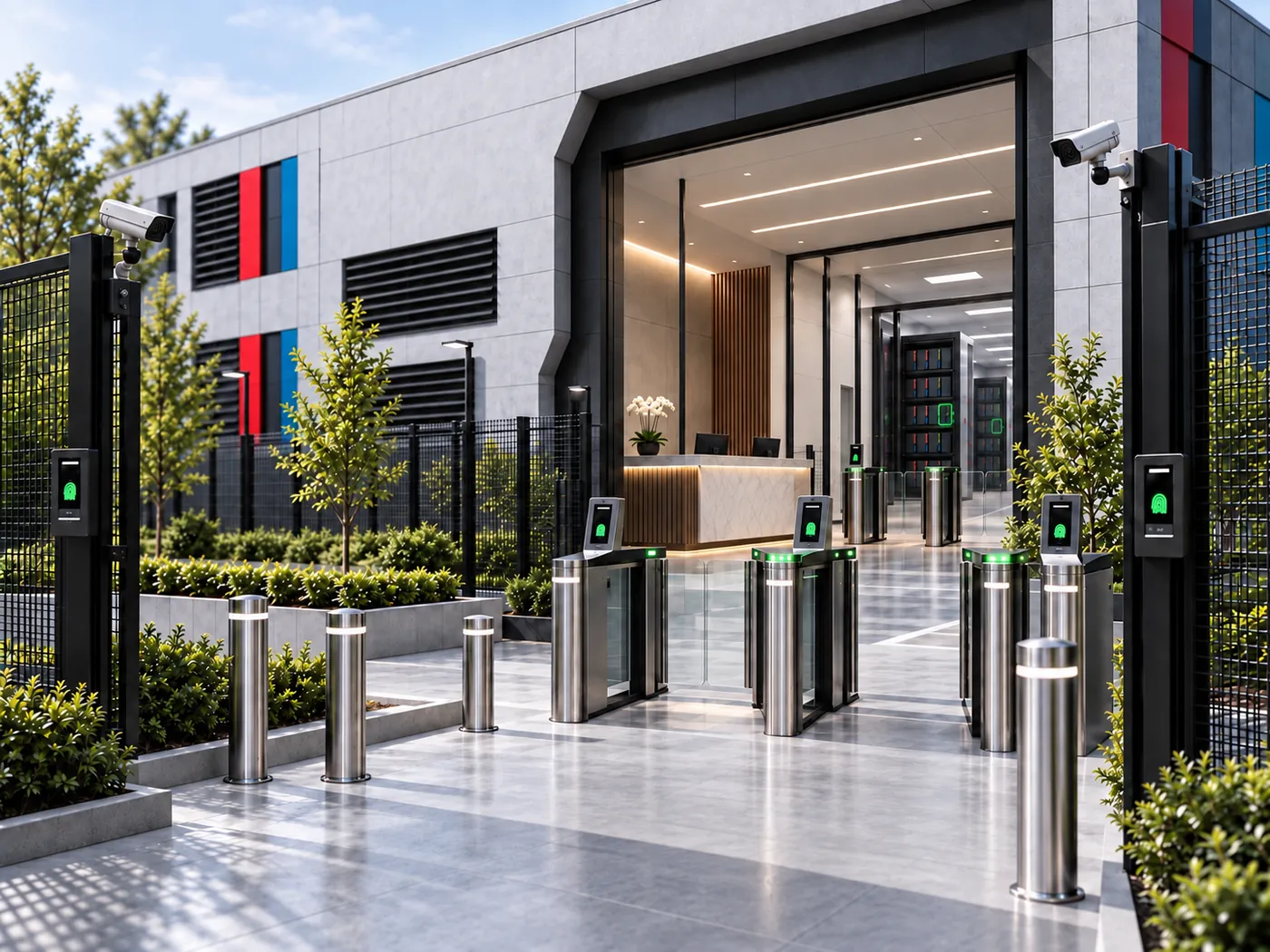
Choose your Vault and check out in minutes. Dedicated hardware, identity-locked to you, physically disconnected when closed. From £360 a month including VAT. 36-month commitment. First payment at checkout.
 Board-level briefingThe Leaders’ Playbook